You can change a check-out and/or check-in by canceling it and doing it again. A reason must be provided when canceling. This is visible in the memos on the check-out/in tile and in the history.
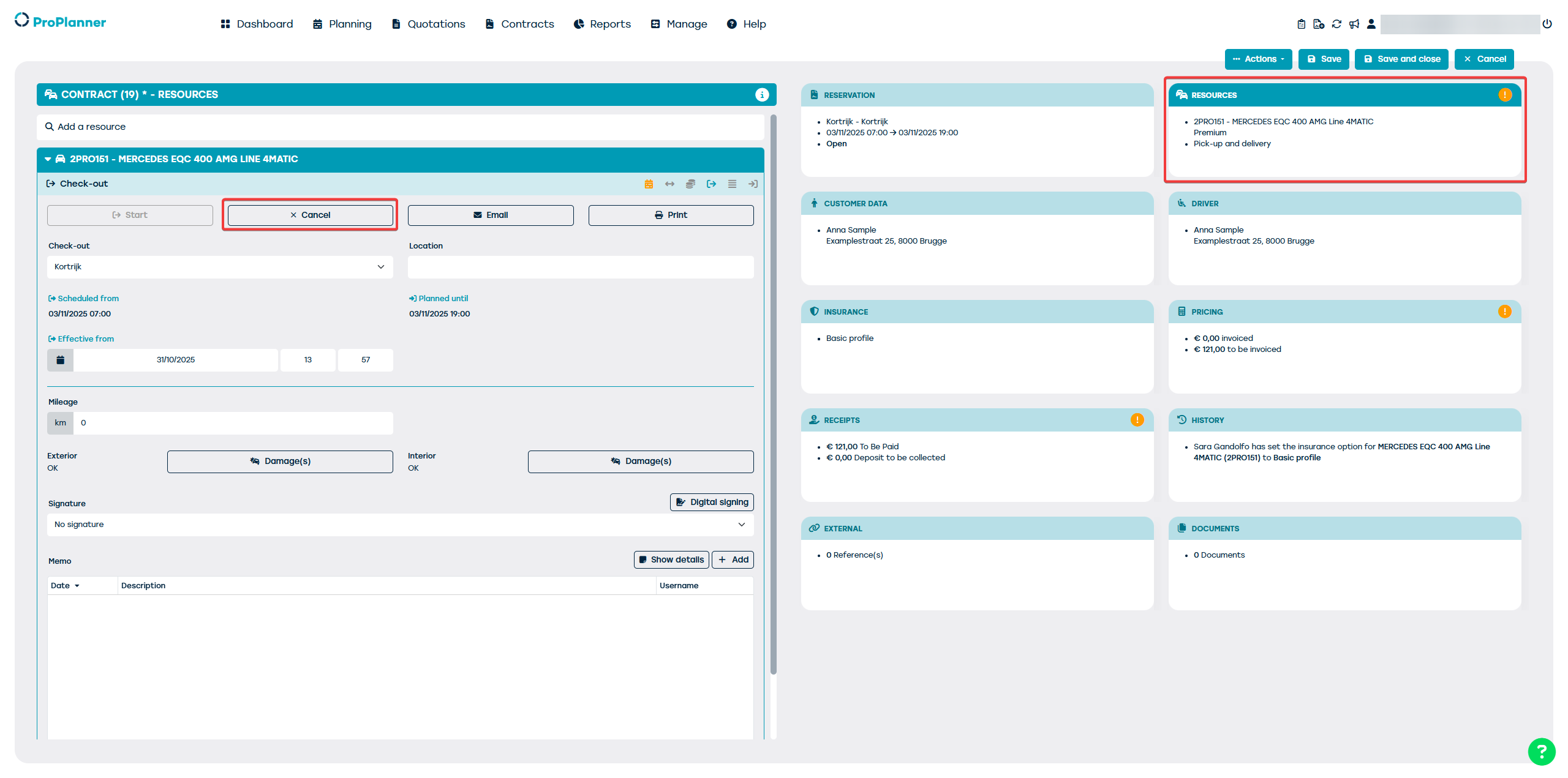
After canceling, you can do a new check-out/in.
Attention: the documents that the customer has potentially received will not be modified. You can resend the email, but the customer's signature will no longer be on the modified documents. If desired, you must have the customer sign again.