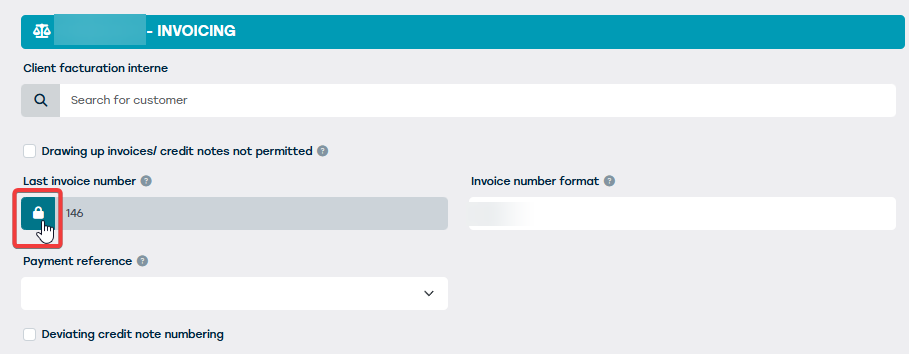
At the end of the fiscal year, the invoice numbering will need to be adjusted. This is done at the business unit level.
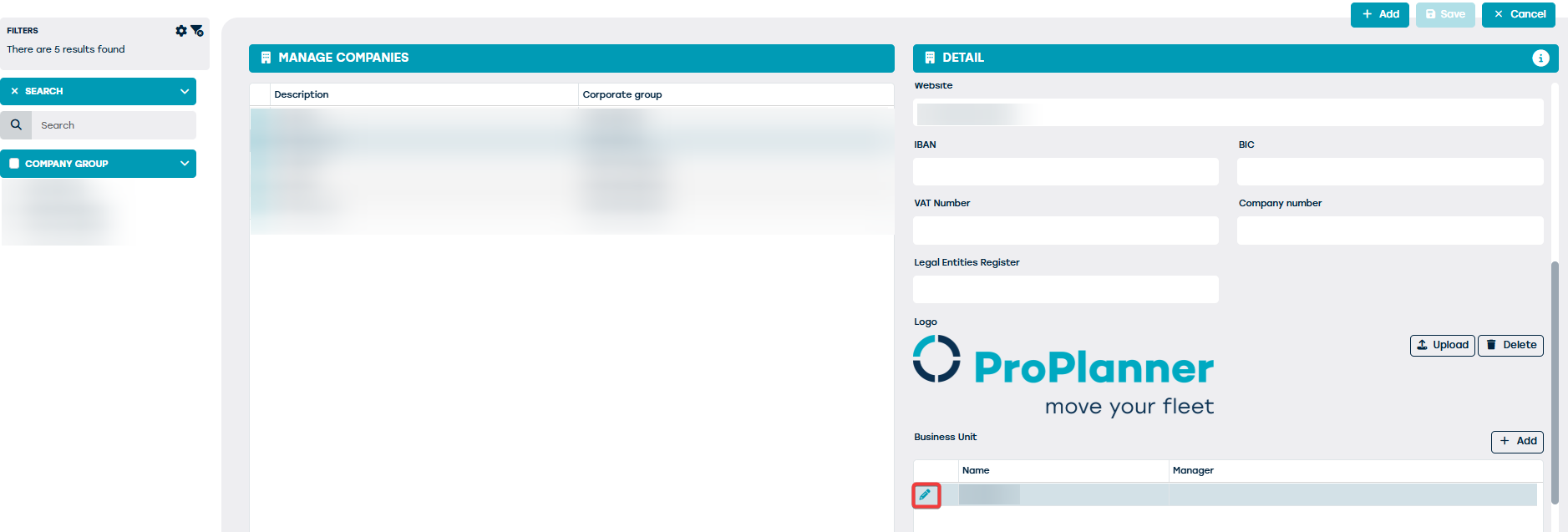
On the administration screen, click on 'Company' and choose to edit the branch.
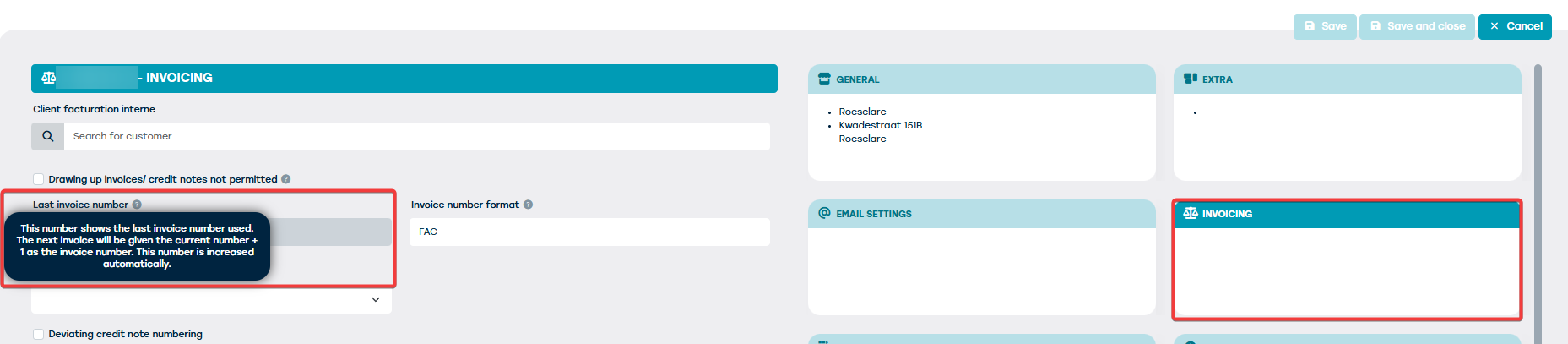
On the invoicing tile, you will find the field 'last invoice number' to adjust the invoice number:
In order to change the number, you need to select the 'lock' icon: