In addition to the standard damage templates provided by ProPlanner, it is also possible to manage your own damage templates.
This means that, at a general level, damage templates can be added and/or modified.
This allows you to set specific layouts per model/makes/type.
Setting up damage templates can be done via Manage (Parameters and settings) - damage templates
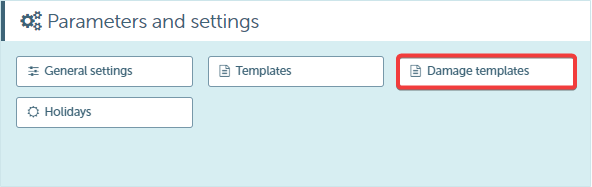
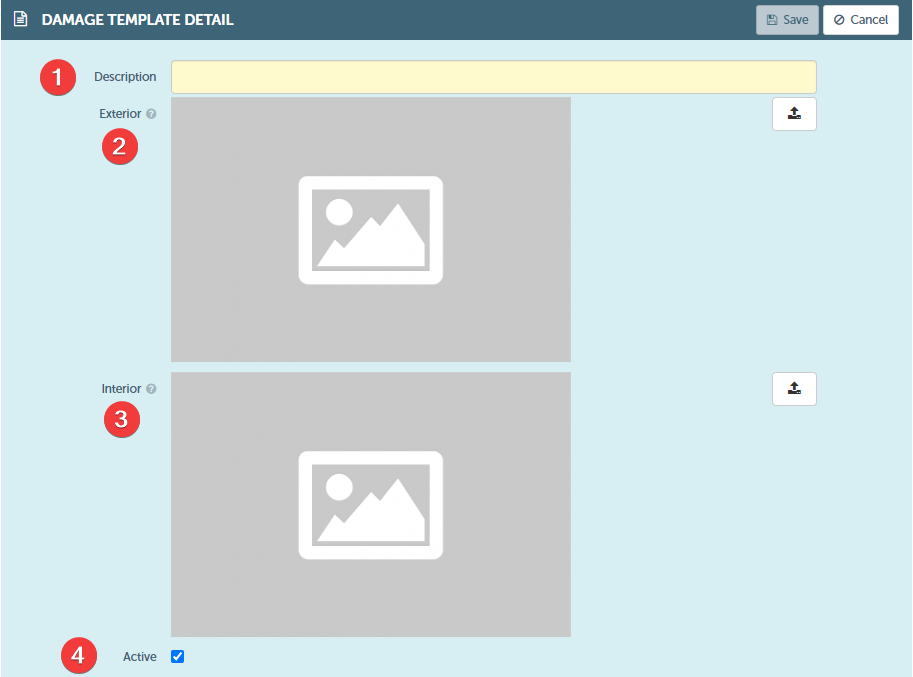
When creating/modifying a template, the following can be included:
- Description (1)
- Exterior photo (2)
- Interior photo (3)
- Choice active/inactive (4)
Note:
- To create and/or modify damage templates, the user must have an additional right, which can be set up via managa (users and rights) - roles general– templates – Manage damage templates

- It is recommended to use the 3:4 image format and exercise caution when modifying templates. Existing templates may already be in use, which may result in the (placement of) damages no longer applying after template modification.