It is not possible to delete a vehicle. The reason for this is that by deleting the vehicle, you will also delete the entire history. If a fine arrives later, you won't be able to determine who was driving the vehicle at that time. The deleted vehicle will also not be taken into account in the various reports.
If a vehicle is end of life and sold, it must be deactivated. You can do this by filling in the 'active until and including' date on the vehicle sheet.
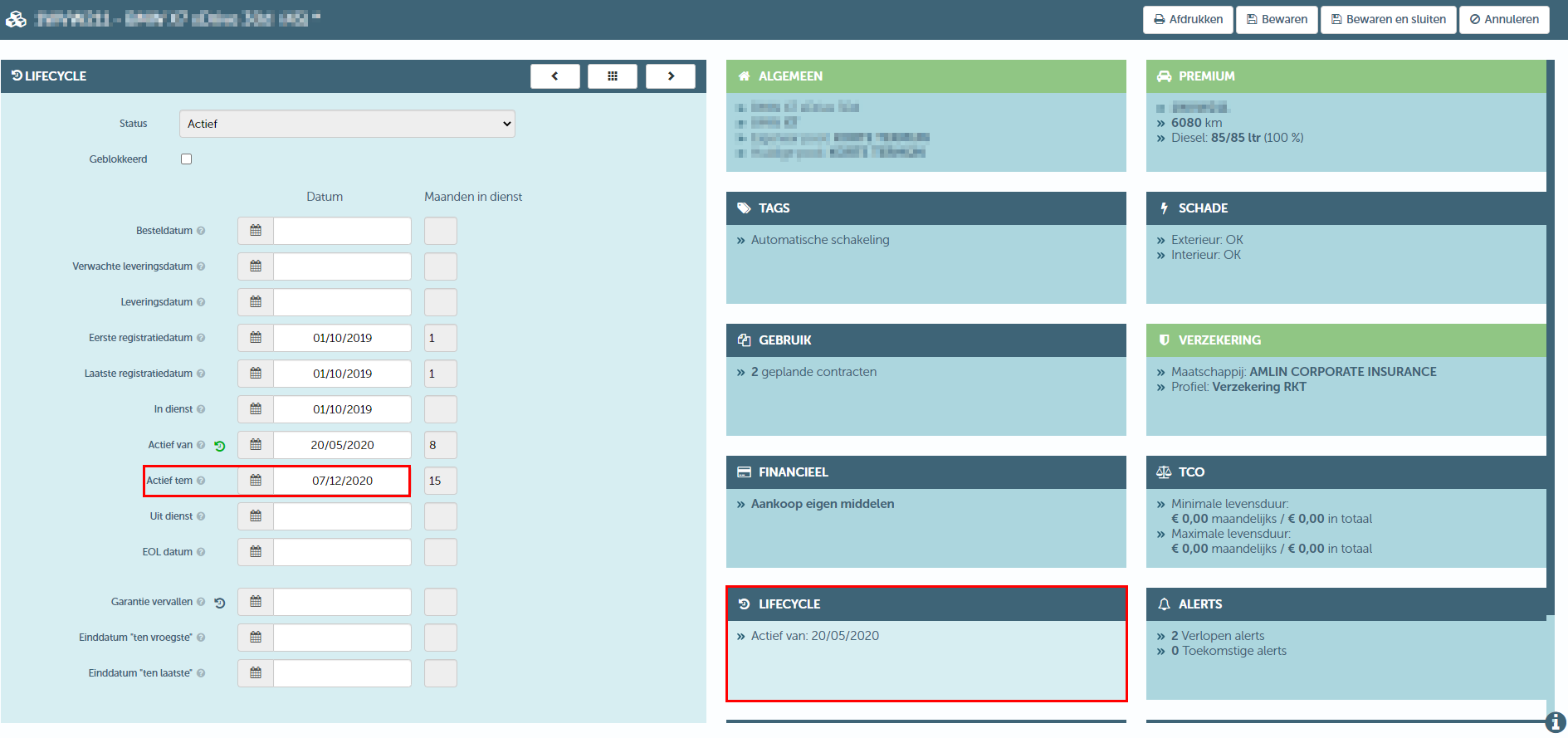
The vehicle will be shown on the schedule until that date, but the period after the active until date will be highlighted. It is also no longer possible to create contracts during that period.

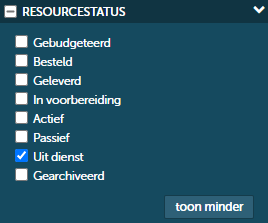
Once the active until date is no longer displayed on the schedule overview, the vehicle will also no longer be displayed. The vehicle can always be found in the resource overview by filtering for vehicles out of service.