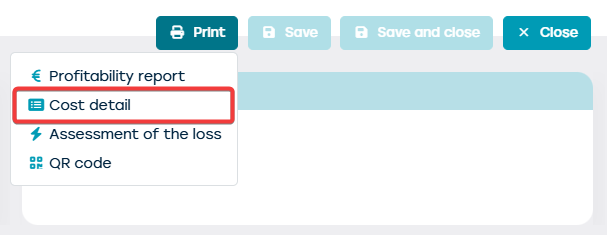
You can print a cost detail of the vehicle. To do this, go to the overview screen of the resources through the management screen. Find the resource for which you want to print the cost detail and open it by double clicking on the resource line or clicking on the pencil icon.
On the resource card, you will see a button 'Print' at the top right. You can print a cost detail with this button.