When sending an email to the customer, it is not only important to send this email to the correct recipient, but also that it originates from the correct sender. It is important that the customer immediately knows who the sender of a particular email is. We are not only referring to the name of the sender, but also to the used email address. If the customer were to reply to the email, it is important that it reaches the correct location.
That is why you can set at the level of the branches what the name and email address to be used for mailing to the customer should be. In doing so, we even make a distinction between:
- Financial emails (such as invoicing)
- Non-financial emails (such as reservation confirmation)
If you want to benefit from this functionality, go to the details screen of a branch (via the details screen of the company that you can access as follows: Manage > Companies > Select the desired company), then open the "Email settings" tile. The following screen will be opened:
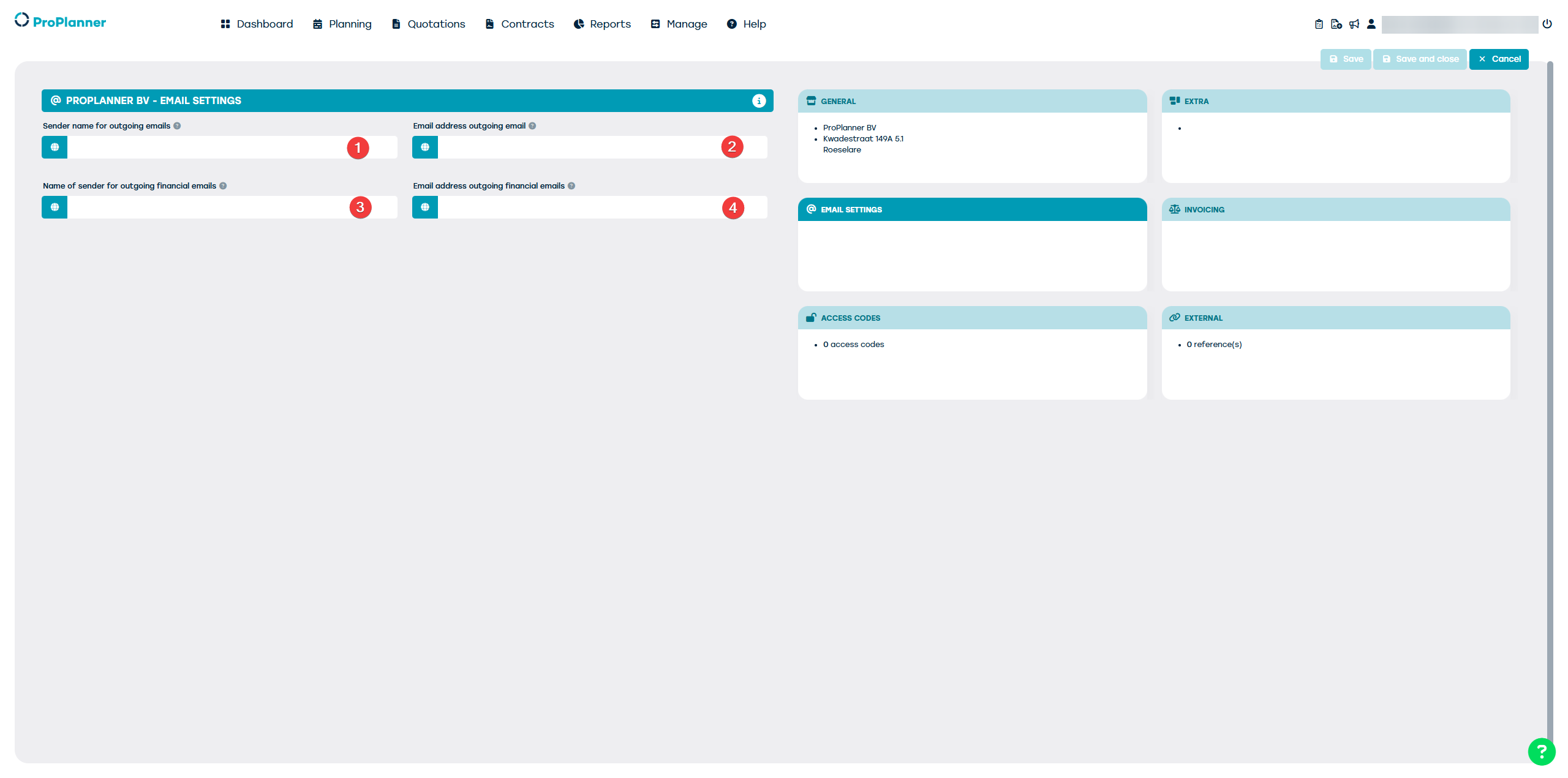
As shown, you have the ability to:
- Specify a name for the branch that will be displayed in communication to customers (non-financial emails)
- To provide an email address for all outgoing non-financial communication
- To provide a name for the branch as it will be displayed in the outgoing financial communication
- To provide an email address for all outgoing financial communication
For each of these fields, you have the option to add translations for all languages supported by ProPlanner:
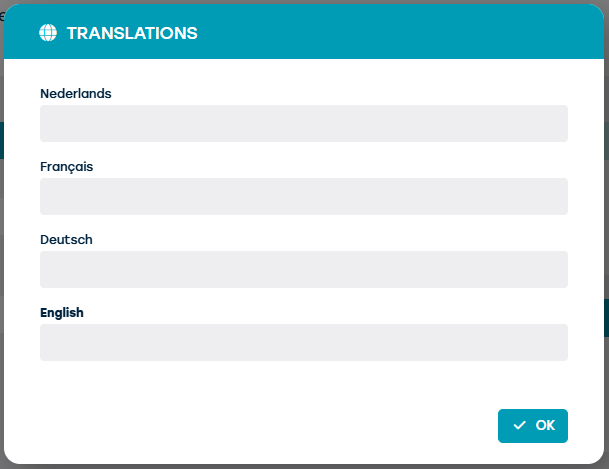
This way, the displayed information can be customized according to the customer's language.
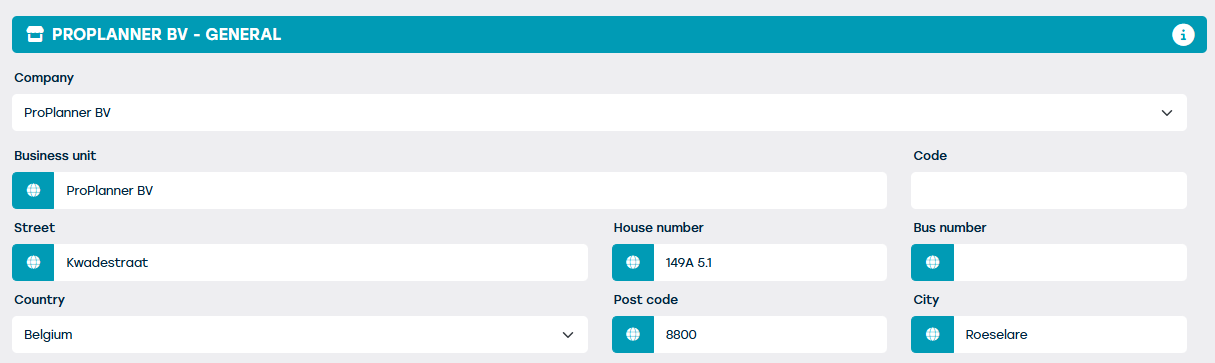
If these details are not filled in, the general email address and general naming of the branch will be used, as determined in the "General" tile of the branch's details screen.
The address details of the branch can also be entered in different languages. This way, they will always be displayed in the customer's language: