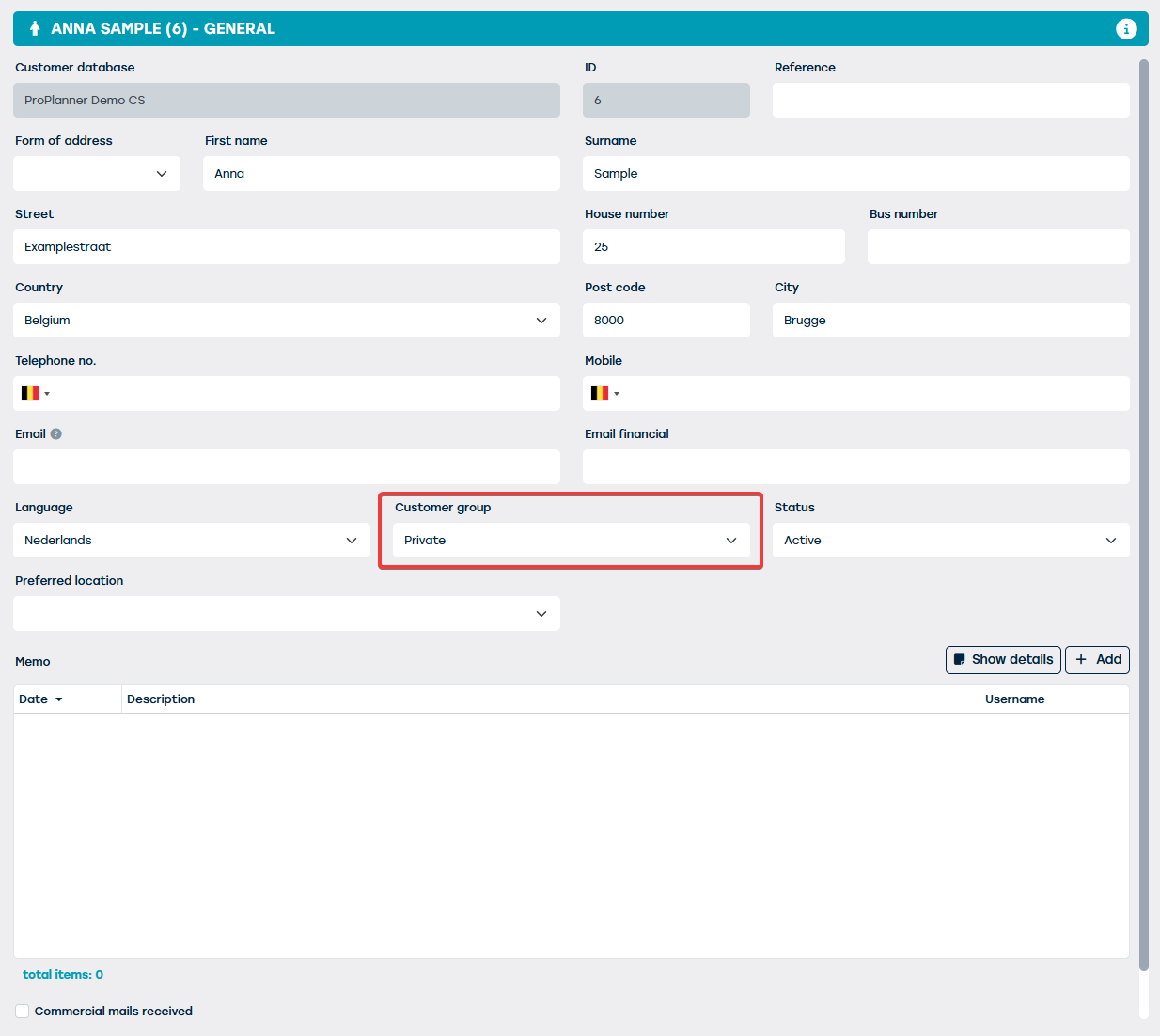
When creating (or modifying) a customer, you can change the customer group to which the respective customer belongs on the "General" tile of the customer record:
You can completely determine the list of customer groups shown here thanks to the customer group management screen. You can access this management screen through the "Management" screen, where you can find the "Customer Groups" button on the "Customers" tile:
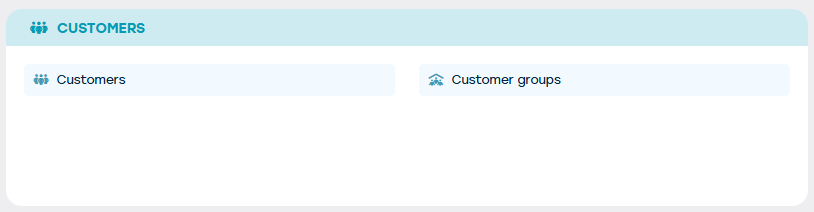
Through this button, you can access the respective management screen where you can:
- Modify an existing customer group
- Creating a new customer group
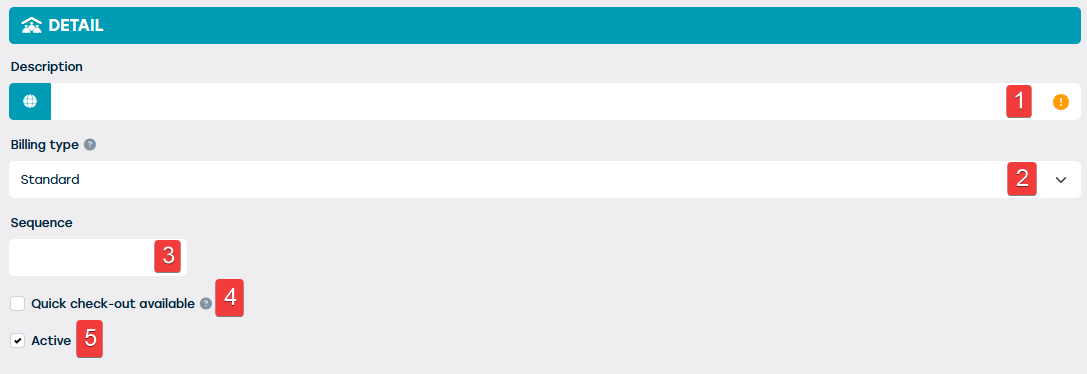
When creating (or modifying) a customer group, you can enter the following information (optional or required):
| No. | Field Name | Description | Required? |
| 1 | Description | The name you want to give to the customer group. This can be set in all supported languages by ProPlanner. | Yes |
| 2 | Invoice type | Standard or internal. With the latter option, you can specify cost centers and cost accounts. | Yes |
| 3 | Order | This indicates the position in which this customer group should be shown in the list | No |
| 4 | Quick checkout possible | This indicates whether customers from this group can be identified as drivers during a quick checkout. | Not applicable |
| 5 | Active | This indicates whether this customer group can be used or not. | Not applicable |