Via het beheerscherm voor kassa's you can create and manage a cash register. It is possible to register castles for a specific cash register. To do this, open the relevant cash register and click on the "Castles" tile.
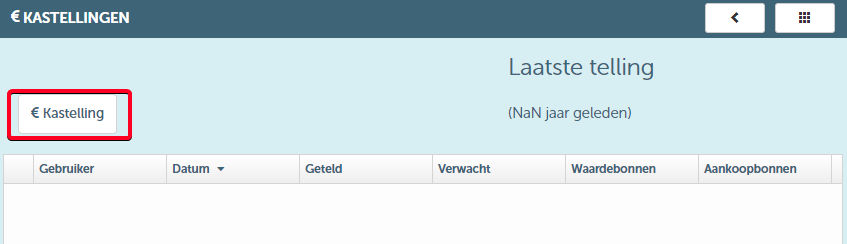
When you click on the "Castle" button, you will be directed to the following screen:
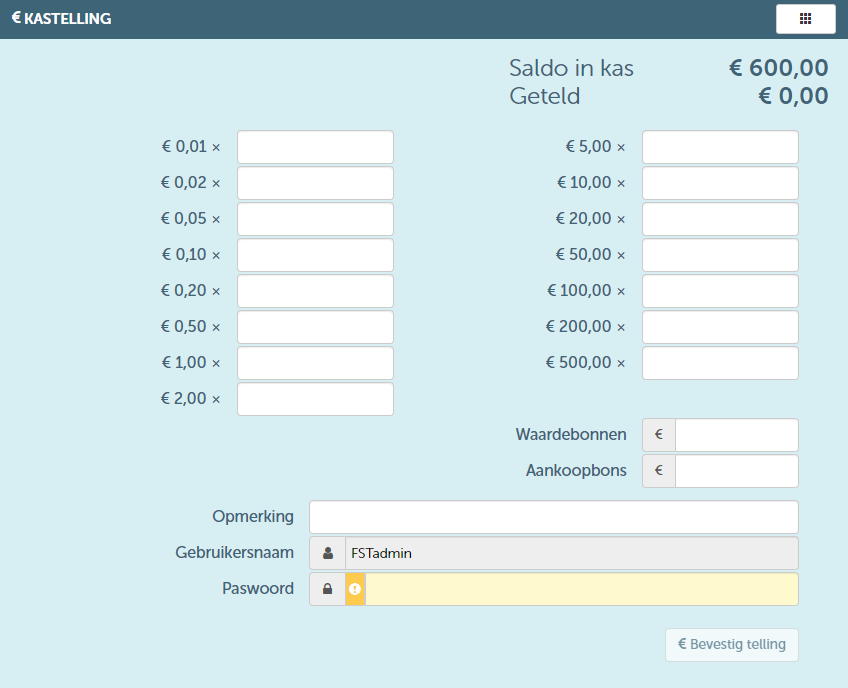
As you can see, you can indicate the correct amount in the cash register for each denomination on the screen above. You can also fill in any present gift certificates or purchase vouchers. This way, the total amount present in the cash register will be calculated. Upon confirmation, this cash count will be recorded.