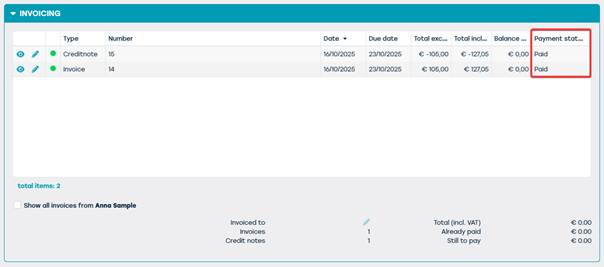
In ProPlanner, you can create a credit note for each invoice, either for the full amount or for part of it. When an invoice is credited in full, the outstanding balance will be set to 0 euros.
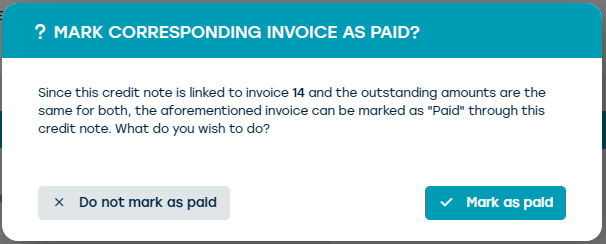
In that case, it is possible to set the status of both the invoice and the corresponding credit note to Paid.
This is done via a confirmation window that appears when confirming the credit note.
Once you give this confirmation, both documents are automatically marked as Paid in the system.