ProPlanner supports a direct connection with CCV payment terminals for processing payments and deposit authorizations. This makes the payment process more efficient and professional, both for regular transactions and for deposits.
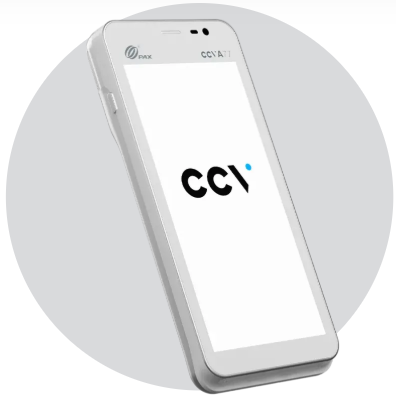
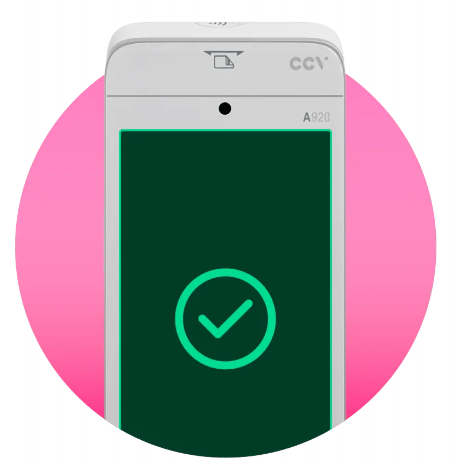
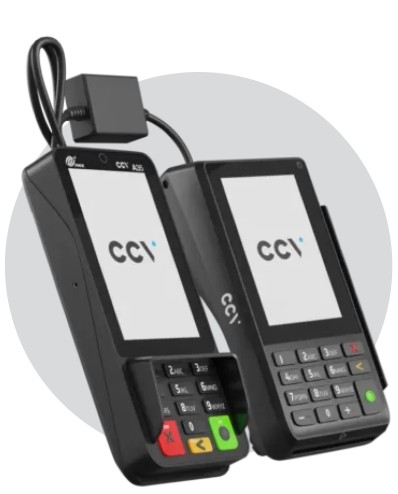
Supported CCV payment terminals:
A77
A920
Duo Base (A80 – A35)
How does it work?
When adding a payment via Contract > Collection > Add payment, select Payment terminal as the method:
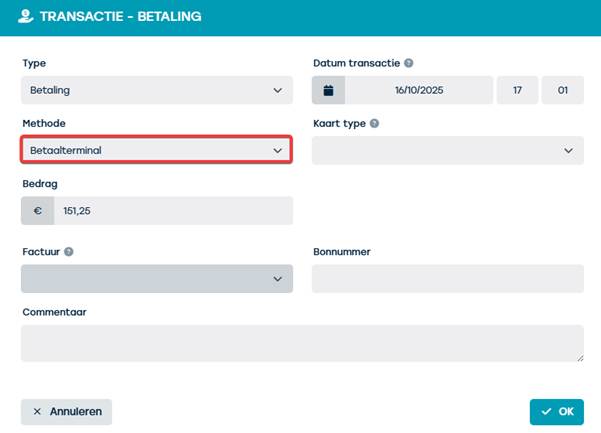
In the POS transaction screen, select the desired CCV terminal. The payment is then executed directly on the device.
What happens after payment?
After a successful transaction:
- The receipt and merchant receipt are available to download or forward to the customer.
- The payment is automatically registered in ProPlanner.
Deposit authorization via CCV
In addition to regular payments, ProPlanner also supports deposit authorizations via CCV. Two buttons are available in the authorization screen:
- Payment authorization – to reserve a deposit on the card.
- Cancel – to cancel an authorization if necessary.
Reliable integration
This link has been officially approved by CCV, which guarantees stable and secure integration.