In this video:
We’ve got a new car in our fleet, and we want to set up some recurring alerts based on mileage and time.
So, first, we open the resource sheet. There are two ways:
You can find it via
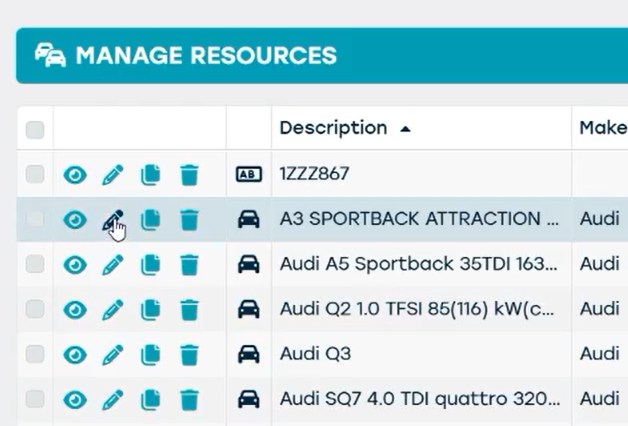
- "Manage", "fleet", "Resources" and then open it from here by clicking the pencil icon.
- Or we can go to the planning screen and open it from there by double clicking the Resource.
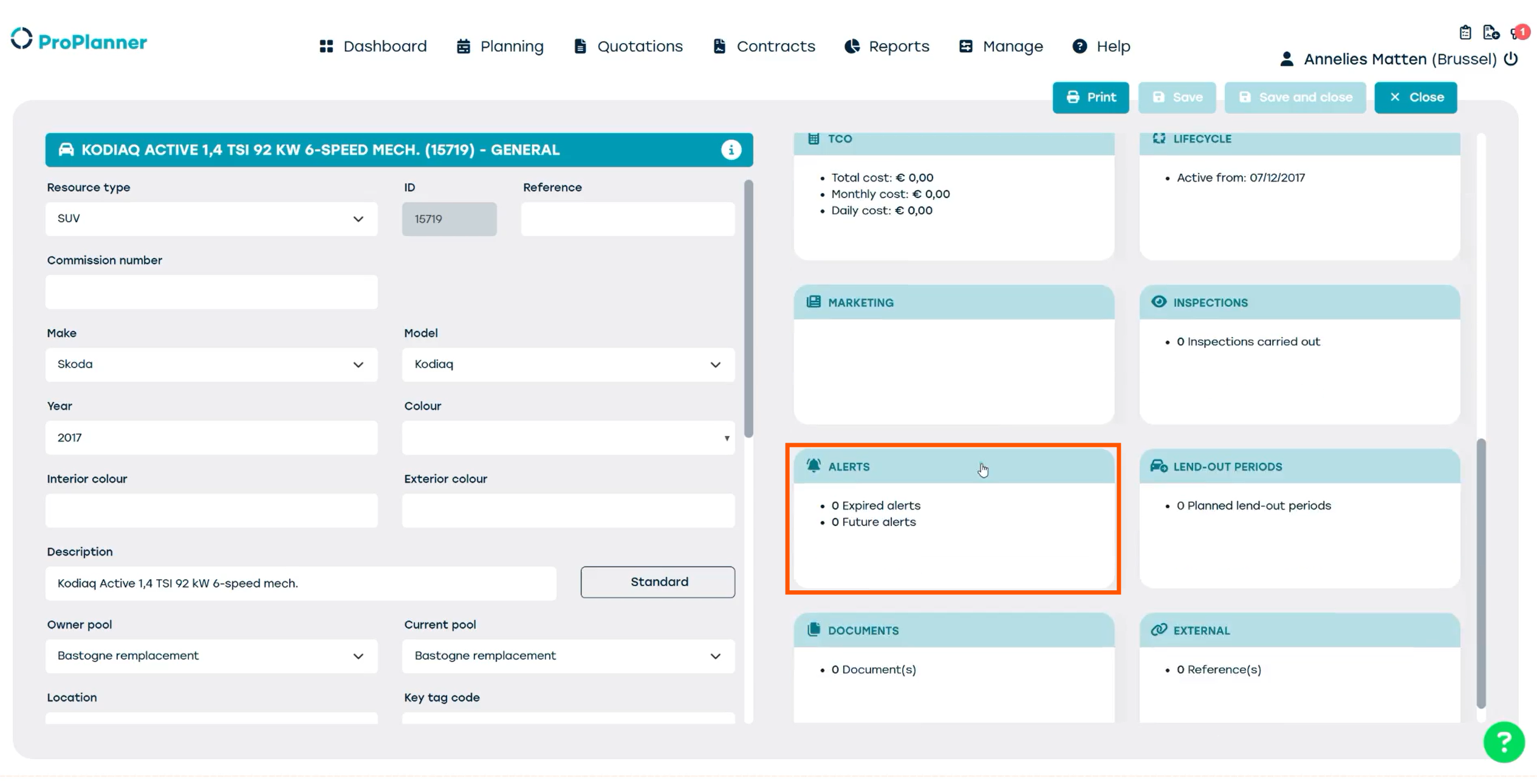
Then we go to the Tile "Alerts"
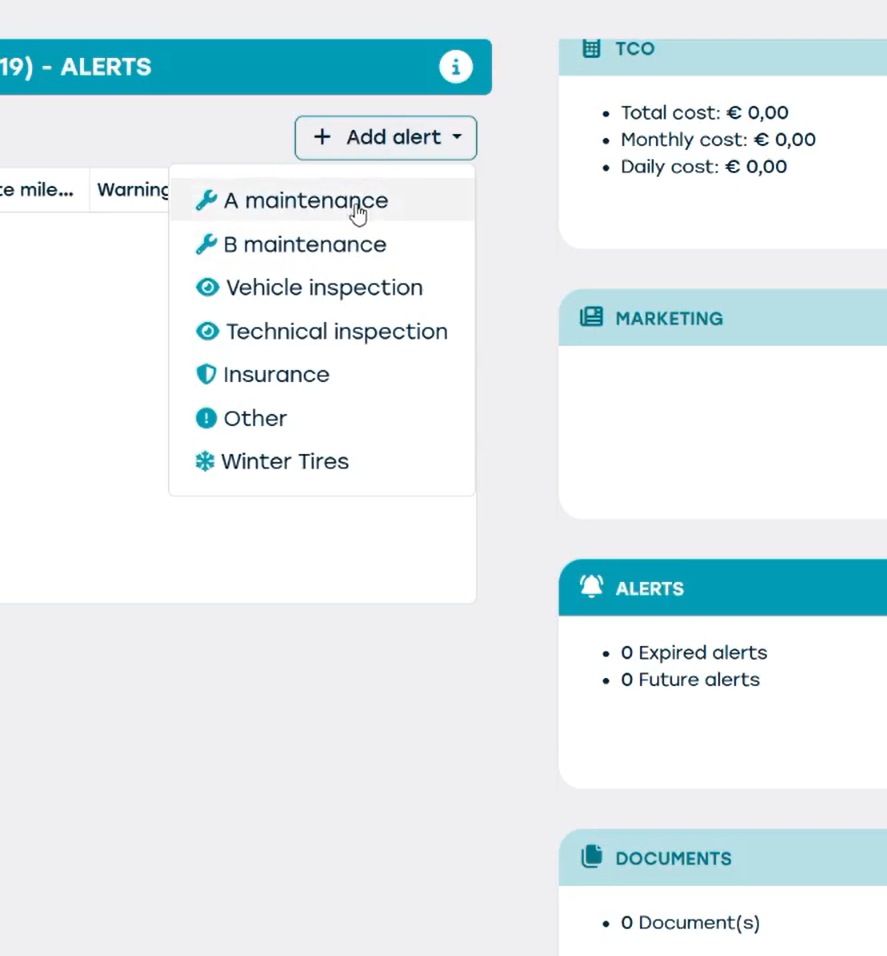
We click '+ add alert' and then select the alert type of our choice, we select 'A maintenance'.
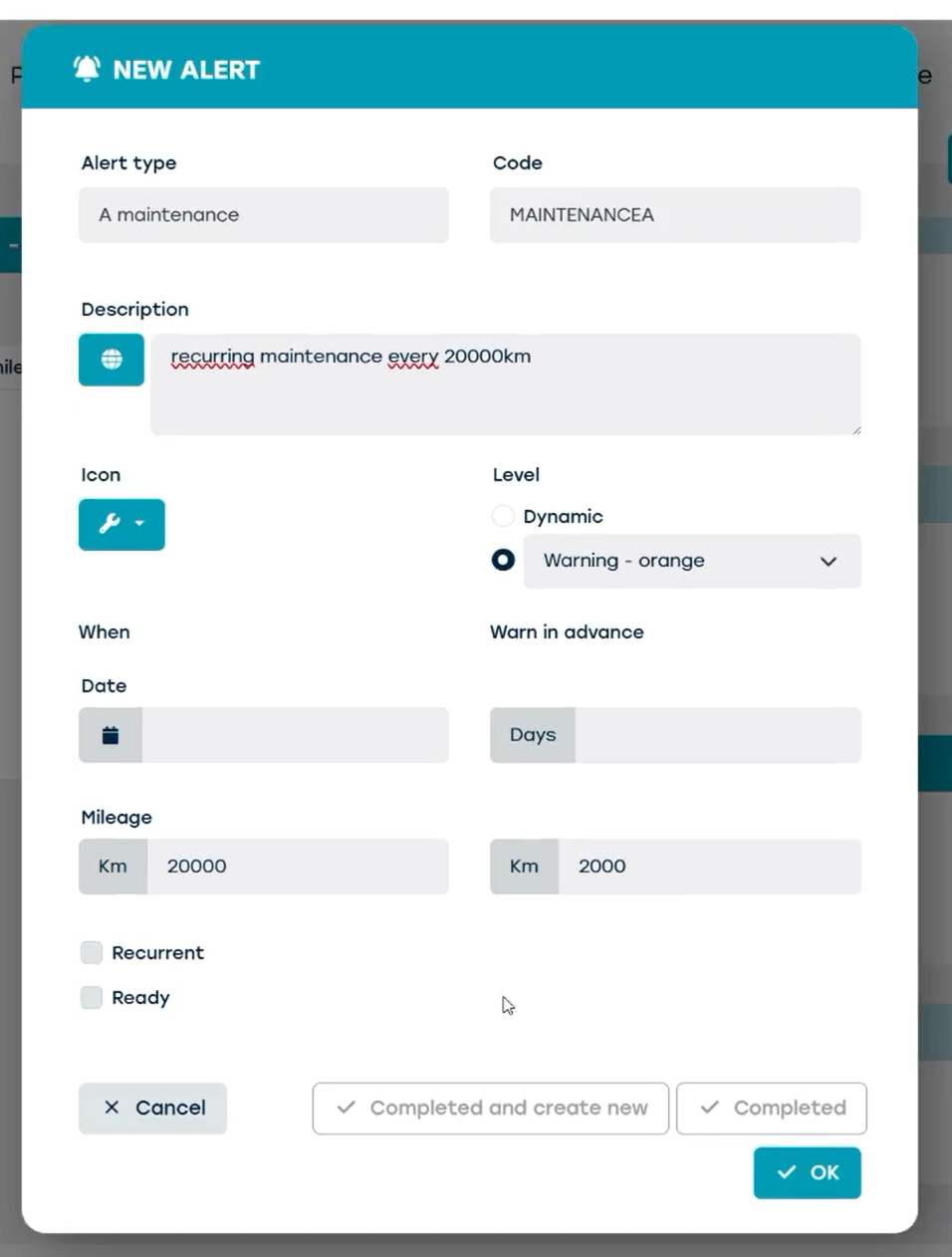
- First we add a description, like 'recurring maintenance every 20,000 kilometers'.
- We can choose an icon, assign an urgency level, and then we can choose whether we want to set our alert based on time or mileage.
- In this case, we want the maintenance to happen at 20,000 kilometers, with a warning at 2,000 kilometers in advance.
- We also choose to make it recurring, so it repeats every 20,000 kilometers.
- Then we click OK, and now we can see the alert listed in the resource sheet.
Let's create another alert based on time.
We want to plan a technical inspection every month. We repeat the same steps but instead of filling out the mileage boxes, we fill out the date boxes. We set the date a month from now, with a warning in advance of 3 days.
We can also make this one recurring with a new alert each month.
We save the alert.
Now we have 2 new Alerts.
If we want to mark an alert as "ready" we can open the alert and check the "ready" box or click completed. We can also click Completed and create new to create a new alert.