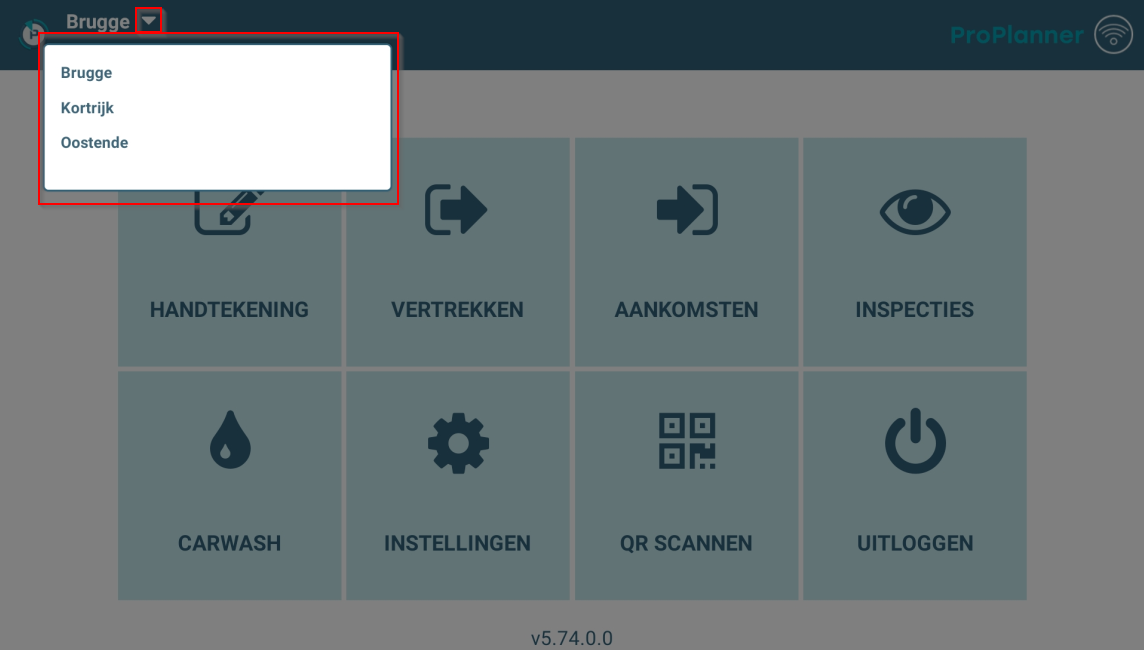
In addition to quickly switching logged in users, it is also possible to quickly switch business units you are logged in to. Once you are logged in, switching to another business unit is possible by clicking the arrow at the top left of the home screen. This opens a list of all business units within the company you are logged in for. When you click a business unit, the business unit you are logged in for changes to the business unit you clicked on.