In this video:0
A customer has returned a motorcycle. Let's perform the check-in!
In ProPlanner web0
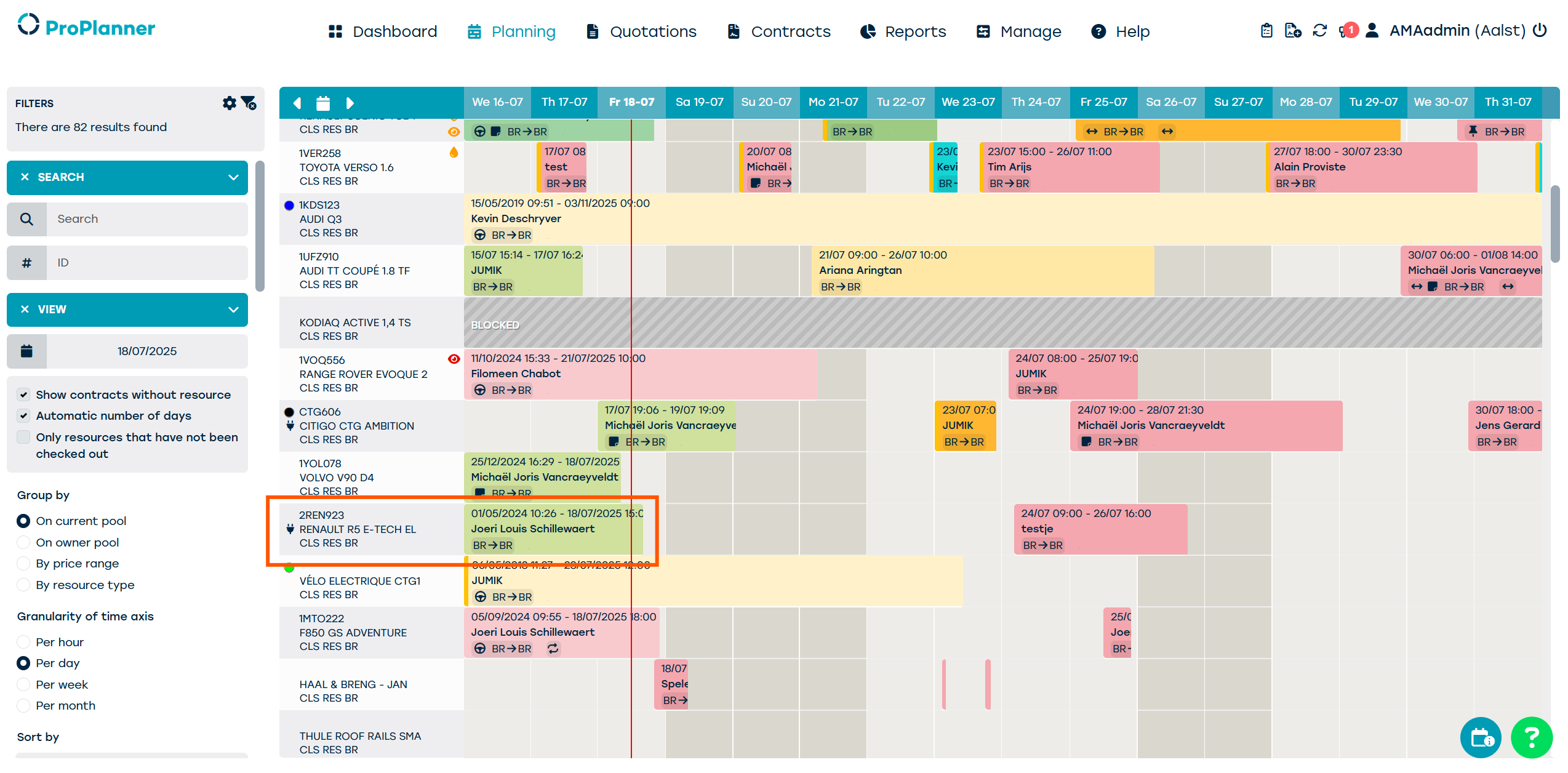
We see the contract in the planning.0
The customer is earlier than expected, but the timing will be adjusted automatically.
On tablet application
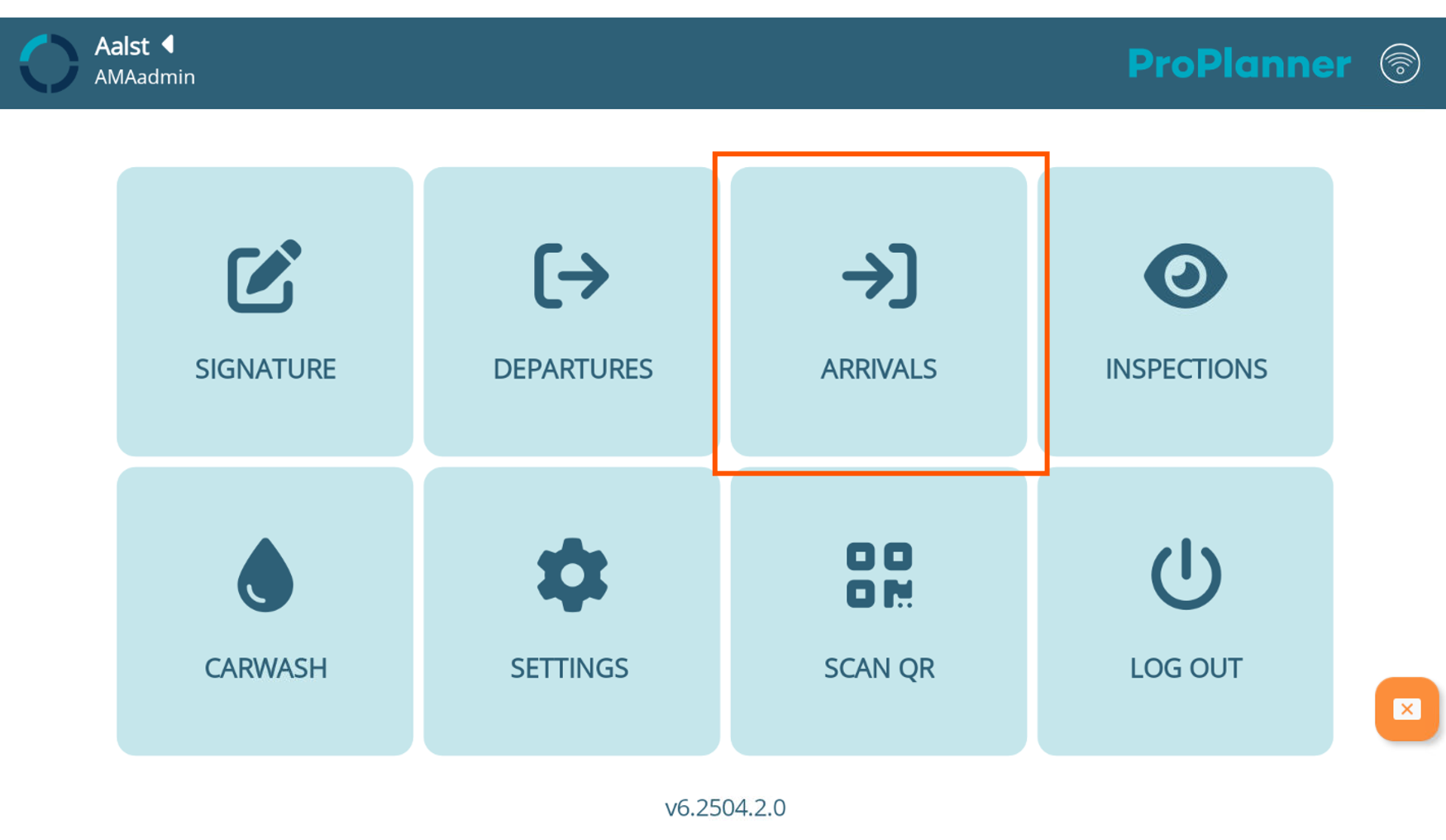
Let's open the ProPlanner app on our tablet and click 'arrivals'.0
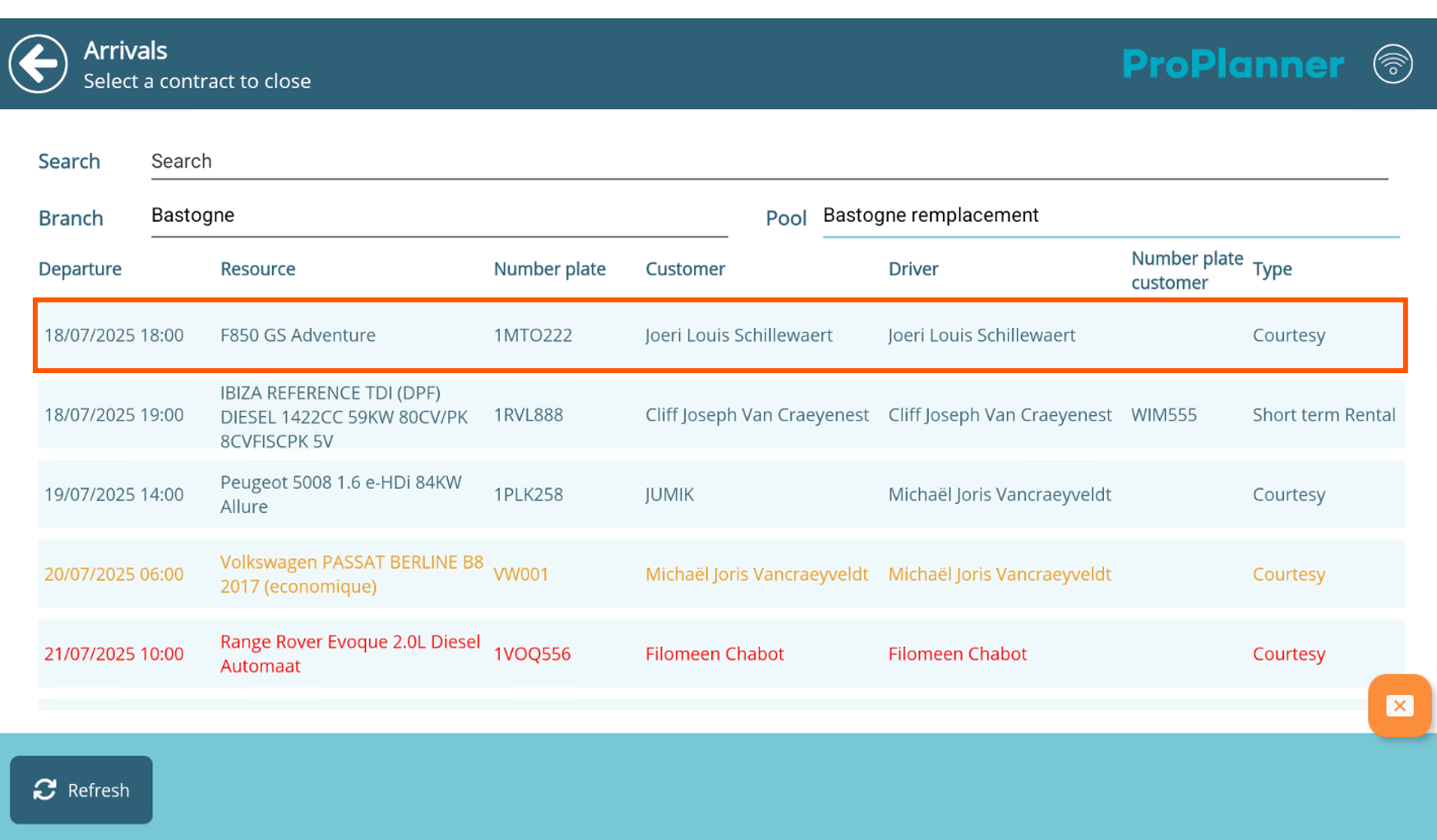
In the following screen we can again select our business unit and our pool. Then we select our customer's contract.0
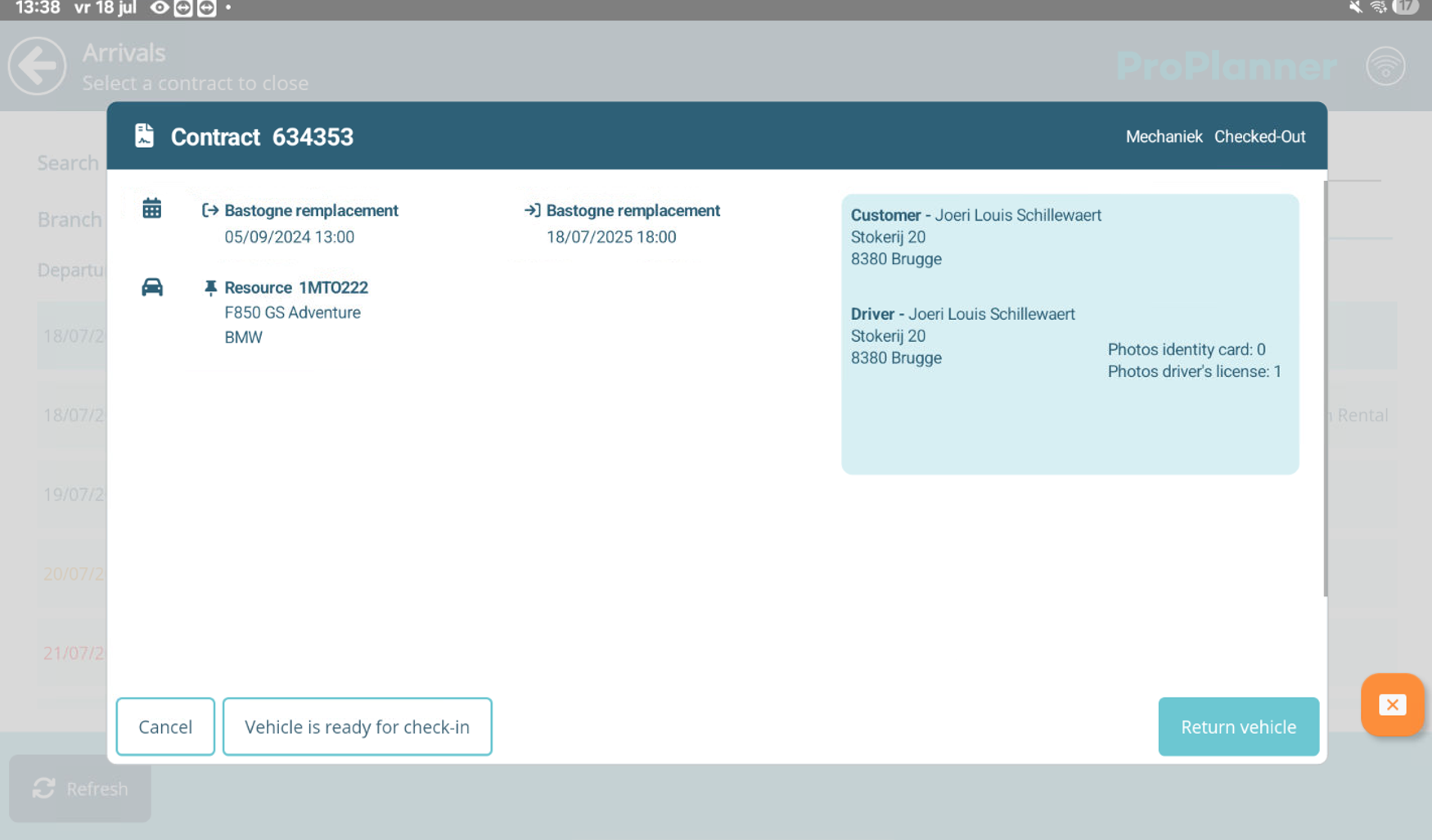
The contract opens up, so we click 'return vehicle' to start the check-in procedure.0
Again, we start with the customer screen where we can check information on the driver.0
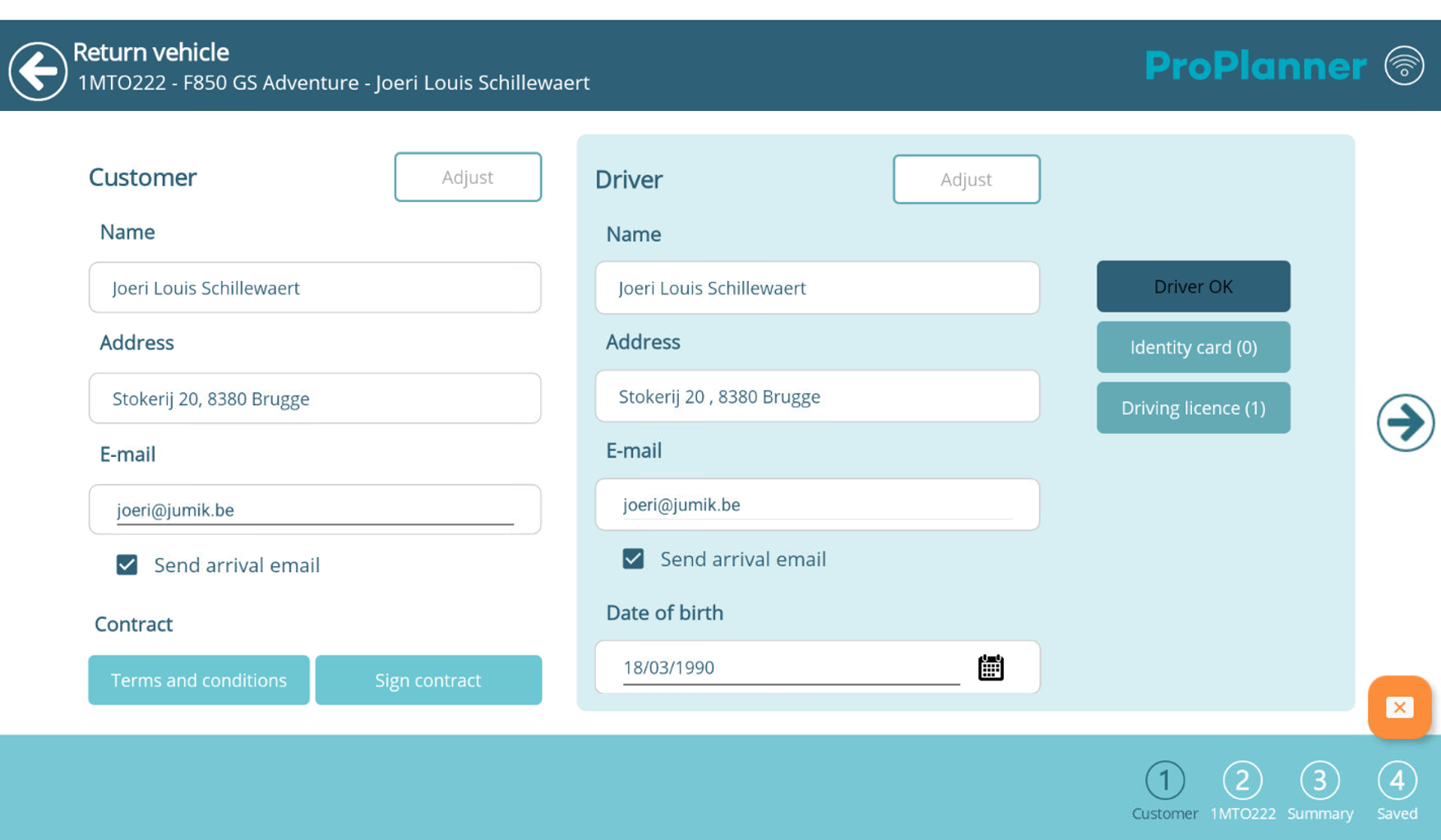
Everything seems okay, so we move on to the inspection of the resource.
...