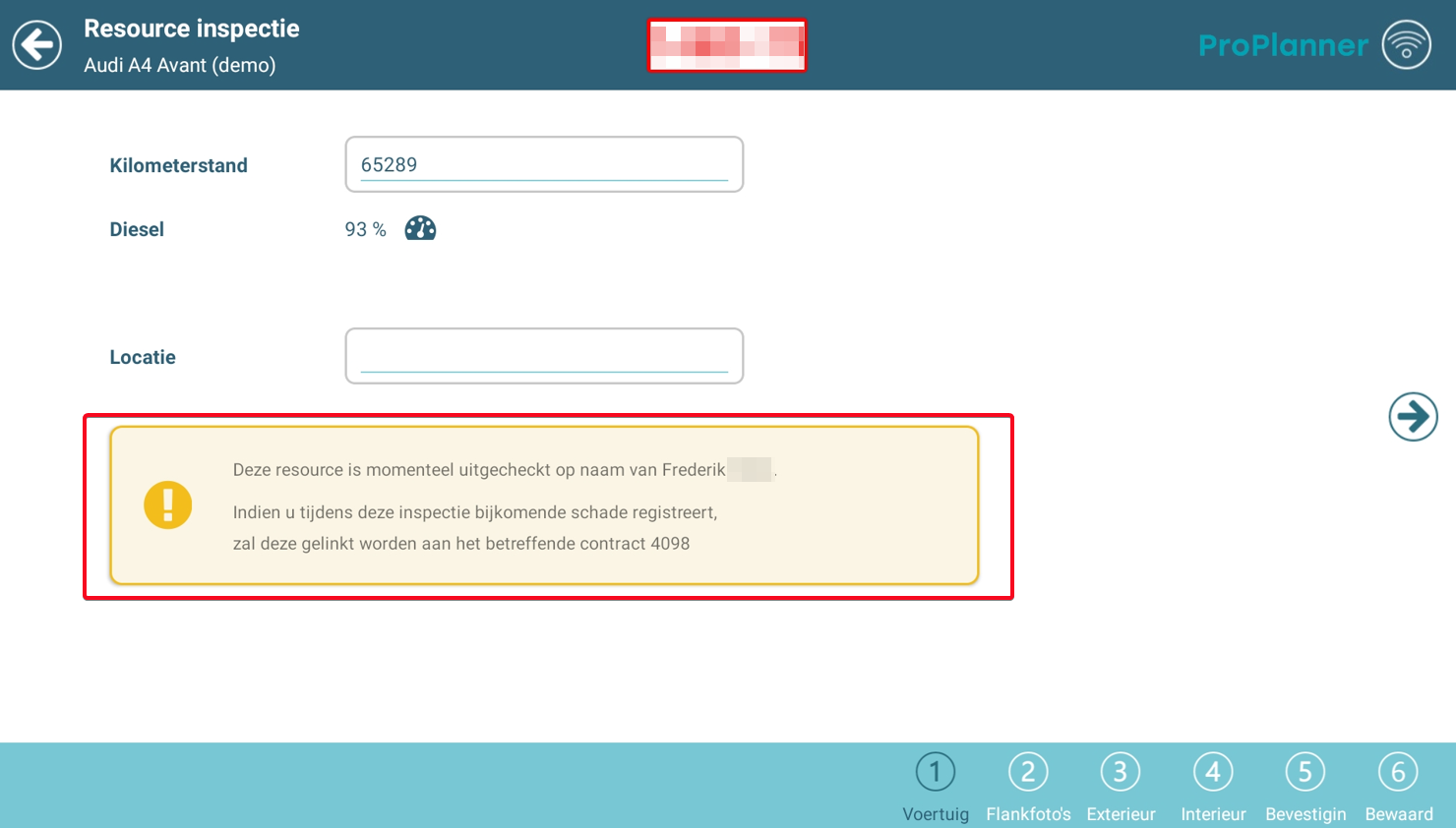
In addition to the possibility to perform a check-out or check-in using the tablet, you can also use the tablet to carry out an inspection on a specific resource.
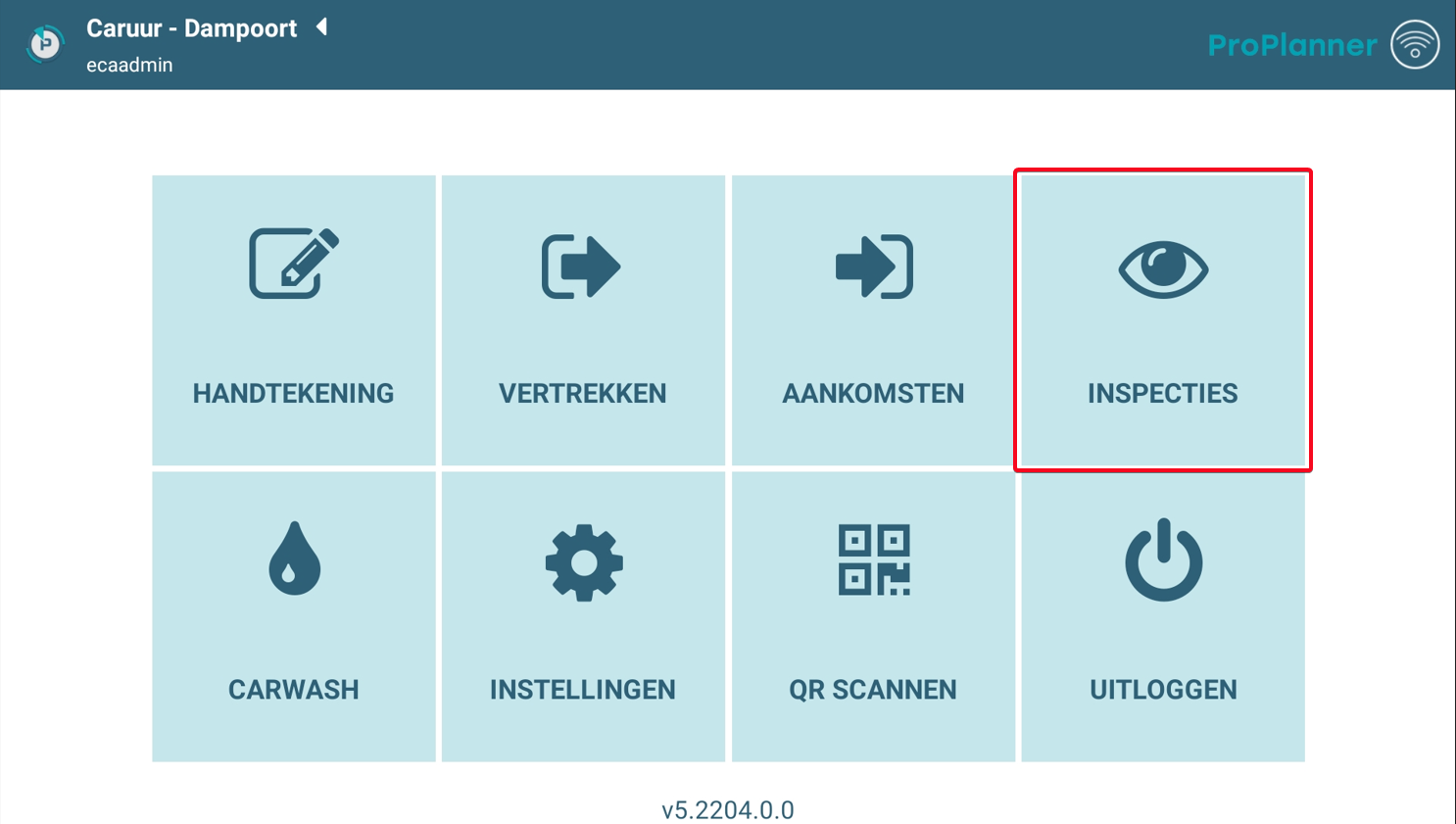
During this inspection, you can update the status of the resource without needing to do a check-out or check-in. When you inspect a specific resource, you can:
- update the vehicle's mileage
- correct the fuel level
- change the location where the resource is located
- add any unregistered damages to the resource, both for the exterior and the interior
When saving the inspection, the new information will be saved on the resource, so that it is correct for the next use.
Carrying out an inspection on a resource can be useful in the following cases:
- the previous check-out / check-in did not proceed correctly and you want to correct the information on the resource sheet for the next use
- the resource is rented out long-term and you want an interim update of the mileage and the damage on the resource
When you perform this inspection on a checked-out resource, any damages registered during this inspection will also be saved on the currently active contract the resource was associated with. This way they are assigned to the driver who is driving the resource at that moment. Consequently, these damages will also be listed on the check-in document when the resource is checked in again.