The application's login screen will show the last four logged-in users. By clicking the corresponding username, it will be entered automatically and you only need to enter the password.
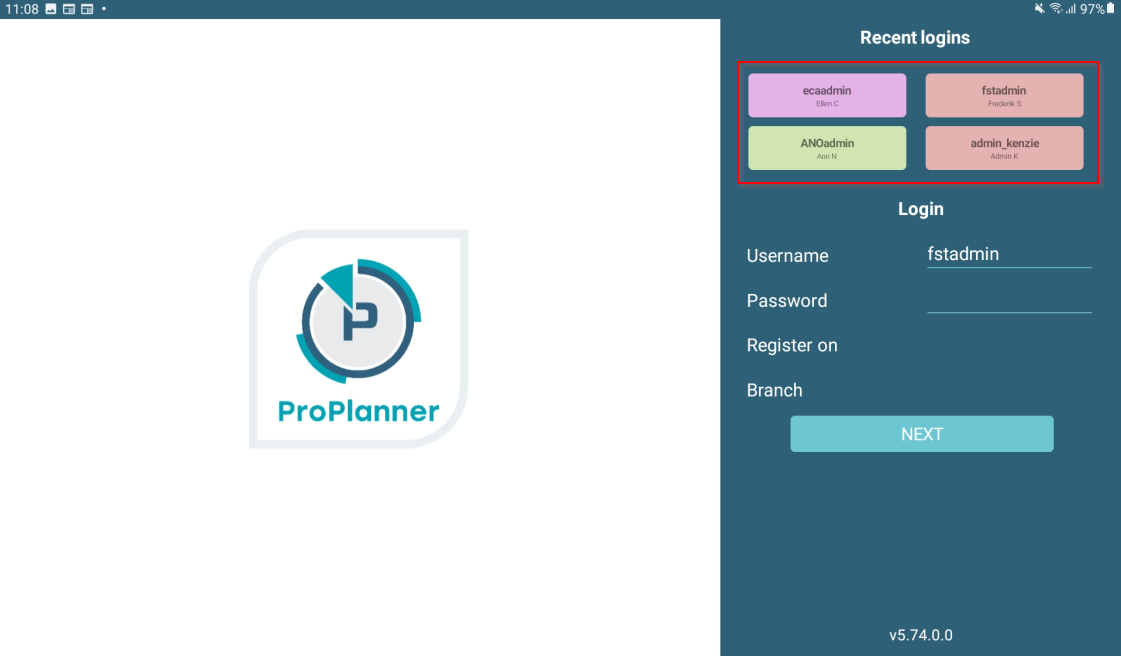
If a user has not logged in for 30 days, they will be automatically removed from the list.
If you want to modify this, or if you want to change the list of displayed users, you can do so via the "Settings" tile on the application's home screen.