Mobile layout
In addition to the new layout for the web version there is also a renewed layout for the mobile version.
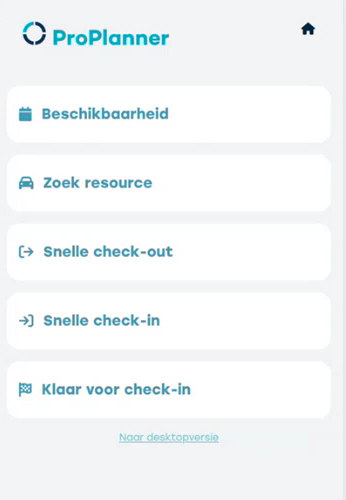
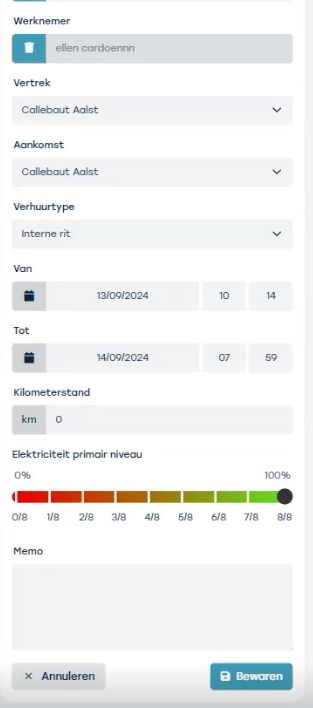
The fast check-out and check-in now have a new slider that determines the energy level.
Responsive Design
If you choose the desktop version when logging in on your mobile device, you now get a better overview of the planning because ProPlanner adapts to your screen size.
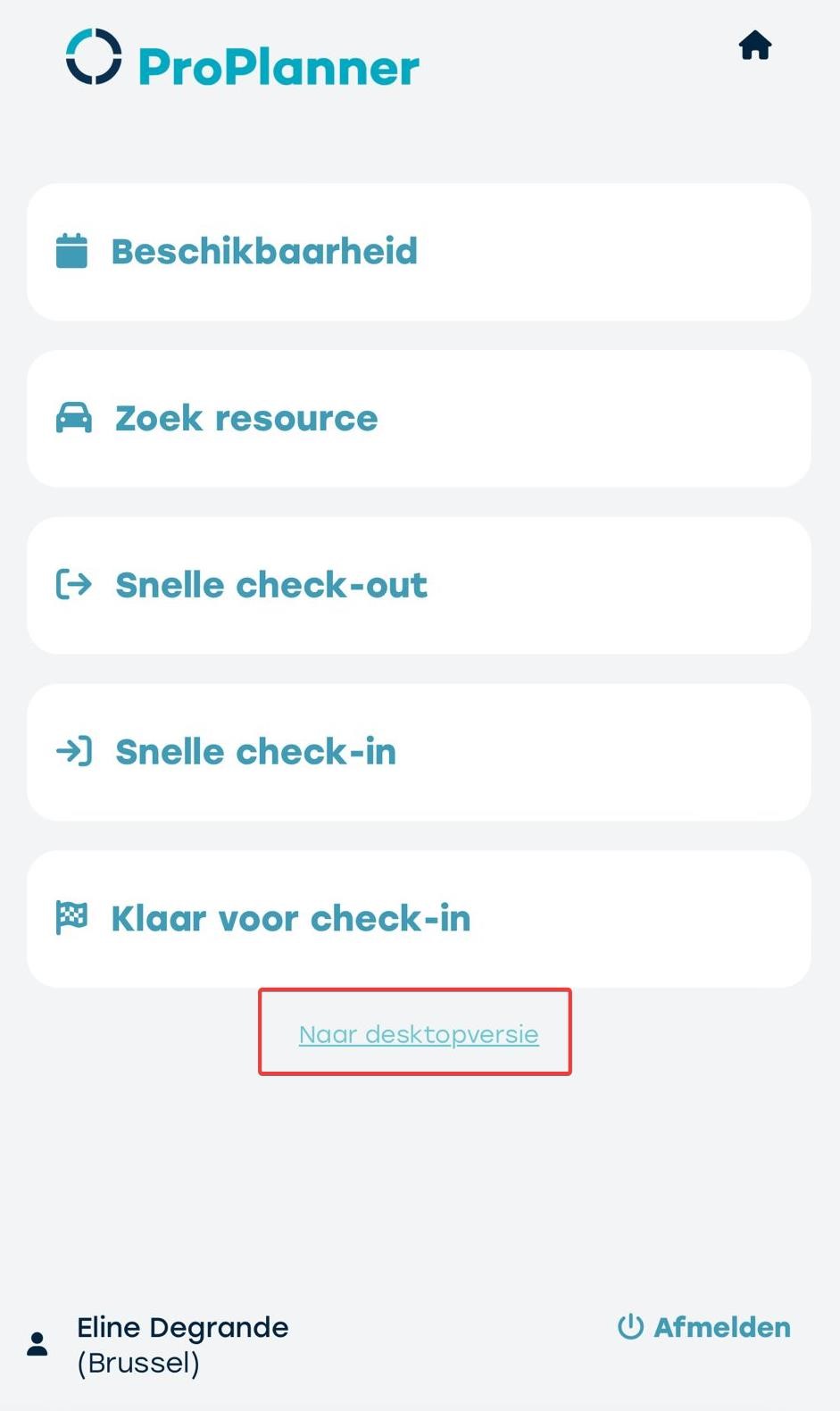
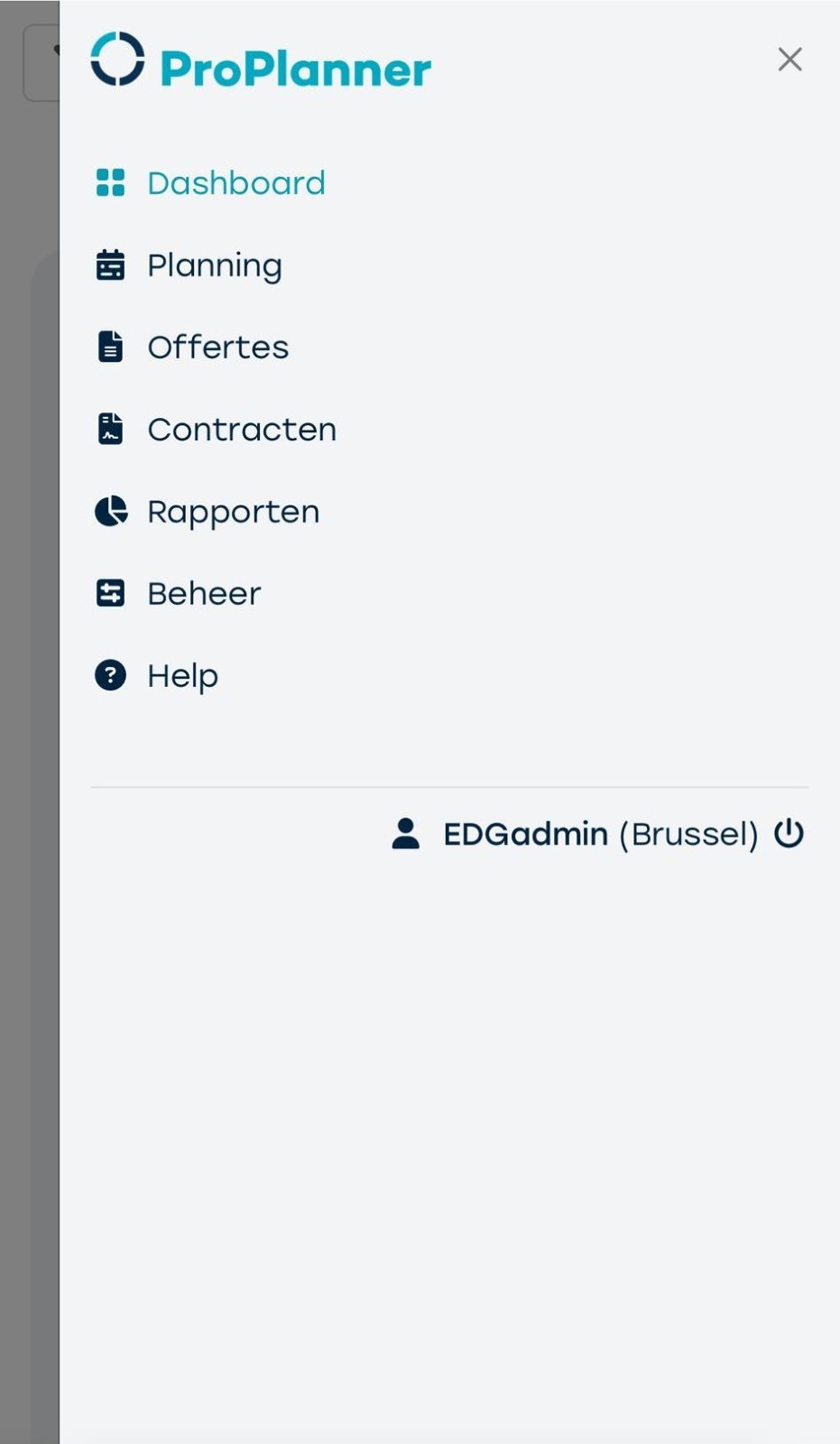
You can navigate between the different menus via the hamburger menu in the top right.
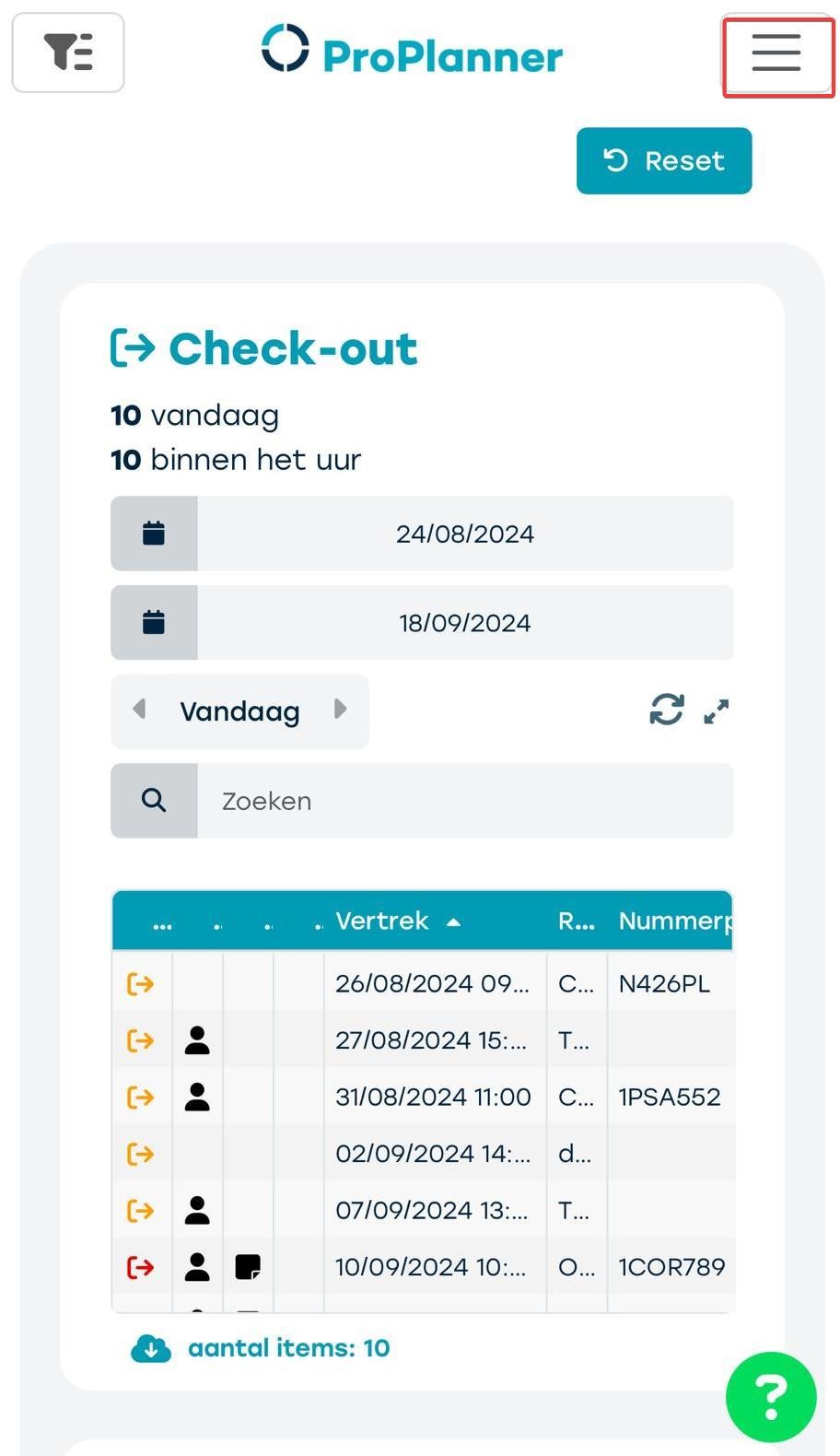
On the planning you can call up right-click actions, as in the web version, by clicking on the hamburger icon that appears on the contract.
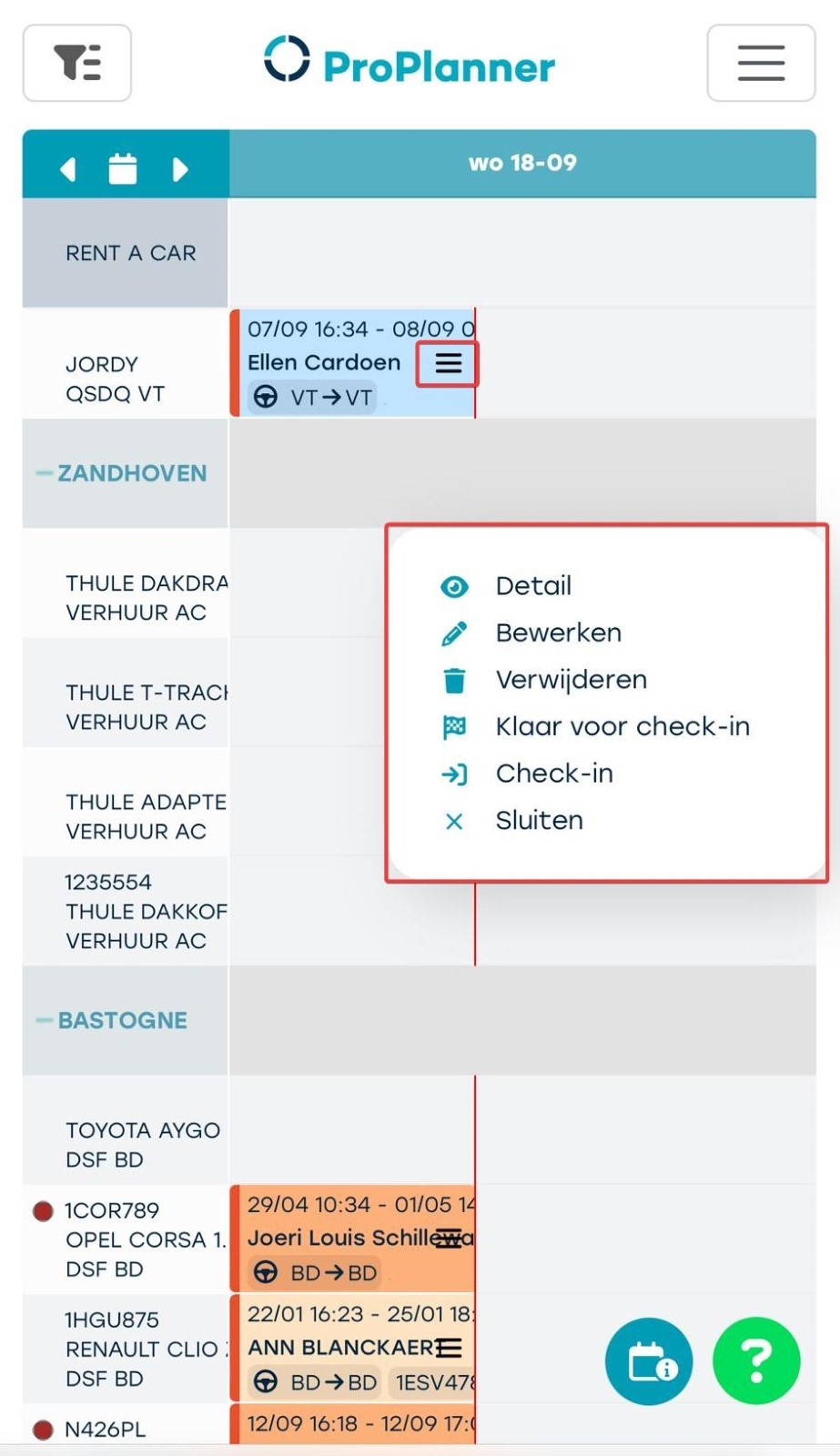
Thanks to our responsive design, ProPlanner automatically adjusts to the size of your screen so you always get the best possible display.
SSO – Microsoft login
From now on, Microsoft accounts can log in via SSO (Single Sign-On). If your Microsoft account has MFA (Multi-Factor Authentication) activated, you add an extra security layer. When an employee joins or leaves, they will immediately have (no) access to ProPlanner via SSO.
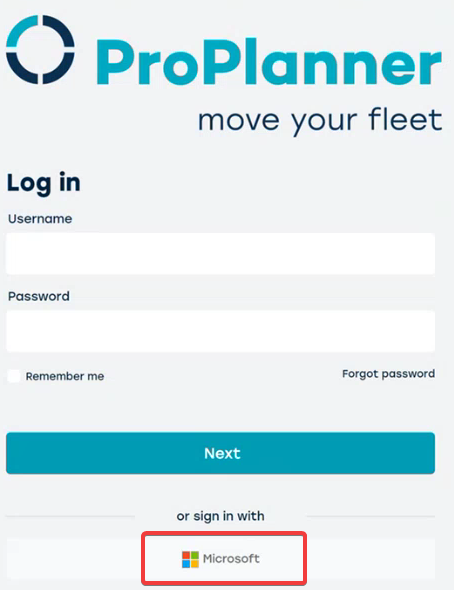
Note: If SSO needs to be activated in your environment, please contact us. The necessary settings need to be activated, and coordination is required between your IT manager and ProPlanner.