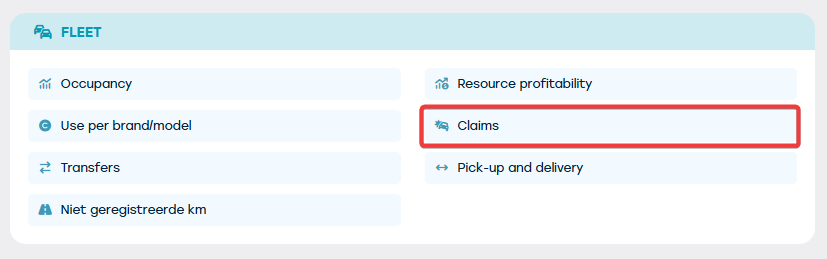
The overview of the recorded damages on the different resources in the fleet can be found via Management > Fleet > Damage.
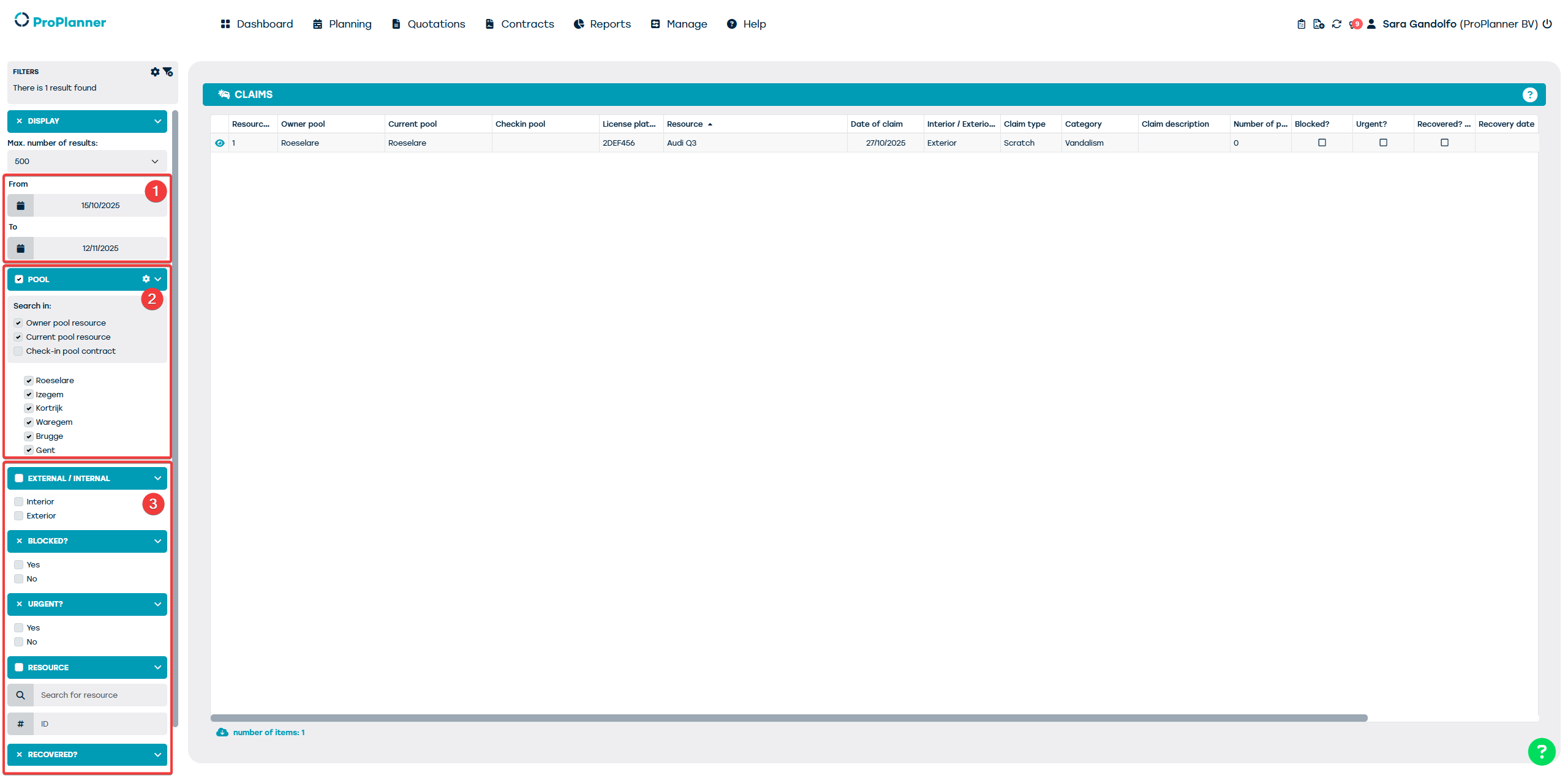
The damages shown in this overview meet the following criteria:
- They were recorded within the specified period (1) (which by default is set to a period that started two weeks ago and will end within two weeks)
- They were recorded on a resource of which the owner or current pool was selected in the filter (2)
- They meet the filters that may or may not have been set (3)
For all damages in the overview, the following information is displayed:
- On which resource the damage was recorded. The following information is displayed:
- Number of the resource in ProPlanner
- License plate
- description of the resource
- On which date the damage was added
- The type of damage (type, category and description)
- Whether photographs were taken of the damage and how many
- Whether the damage is blocking, needs urgent repair or has already been repaired and when
- On which contract the damage was added and by which driver
From this report:
- You can open the relevant resource in a new tab (by double-clicking or via the eye icon). You will immediately arrive in the "Damage" tile on the relevant resource sheet.
- You can open the contract (again in a new tab) on which the damage was recorded. This is possible by clicking on the contract number.
- You can open the driver sheet (also again in a new tab) by clicking on his/her name. You will immediately arrive in the "Extra" tile where the damages registered by the driver are listed.