Via the management screen for cash registers you can create and manage a cash register. Here it is possible to register cash counts for a specific cash register. To do this, open the relevant cash register and click on the "Cash counts" tile.
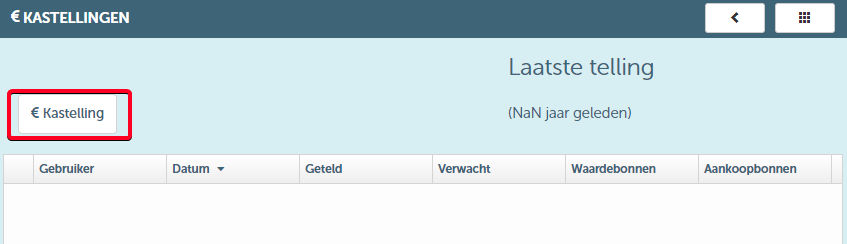
When you click the "Cash count" button, you will enter the following screen:
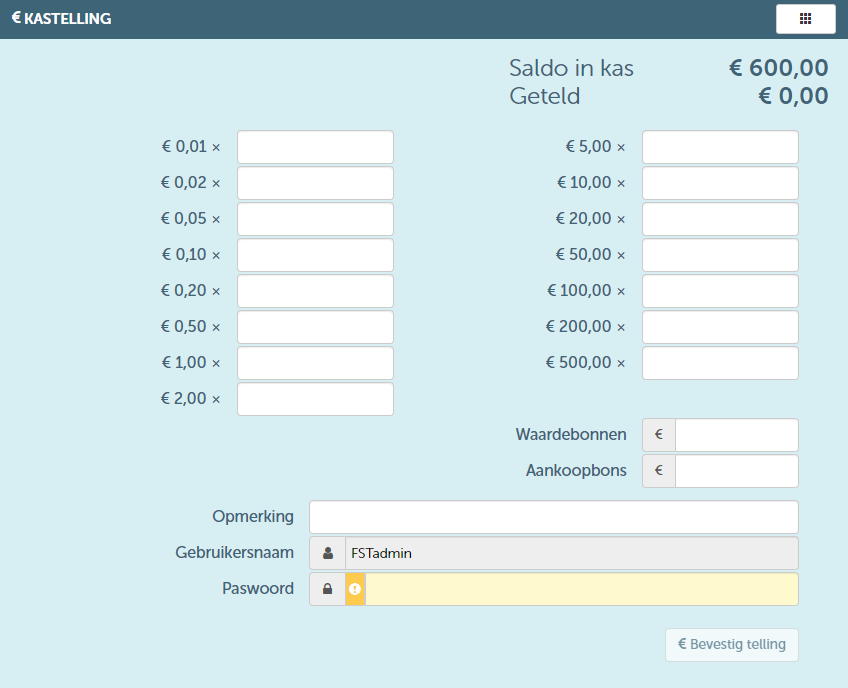
As you can see, in the above screen you can indicate per denomination what the correct amount is in the cash register. You can also enter any available vouchers or purchase coupons. In this way, the total amount present in the cash register will be calculated. Upon confirmation, this cash count will then be registered.