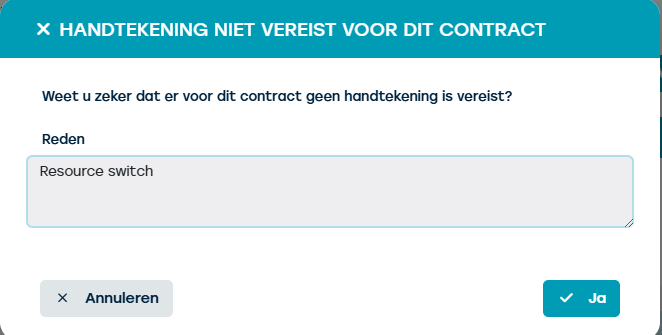
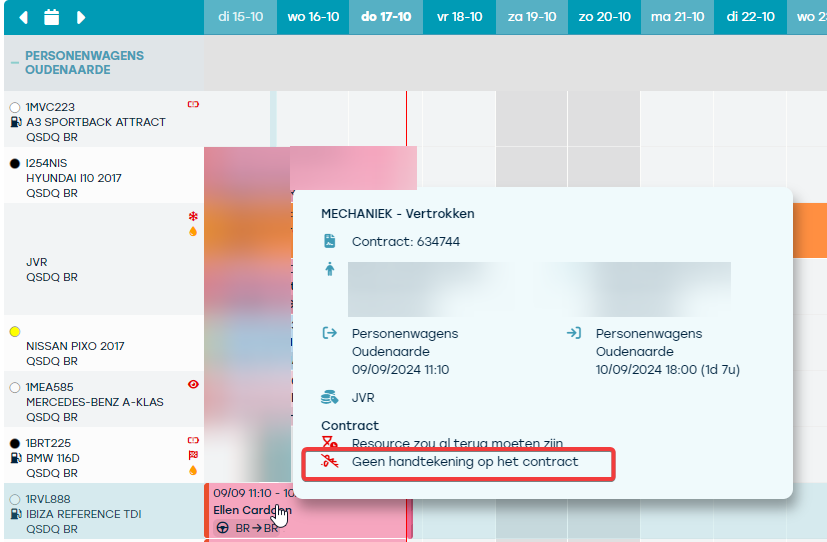
When a contract does not have a signature, you will see the alert ‘no signature on the contract’. This is for example the case with contracts that were originally signed, but where a change was made afterward.
This can also occur for example with a contract that is extended or when a resource is changed, requiring a new signature for approval...or perhaps your contract does not need a signature at all to begin with.
You can set per customer or per contract whether a signature is required or not.
Note: If you wish to use this feature, please contact us.
Once this feature has been activated by us, you as a user will have the ability to indicate at the contract level that a (new) signature is not required, so that the warning for an unsigned contract can be removed. Go to Contracts > select a contract and open the tile > reservation.
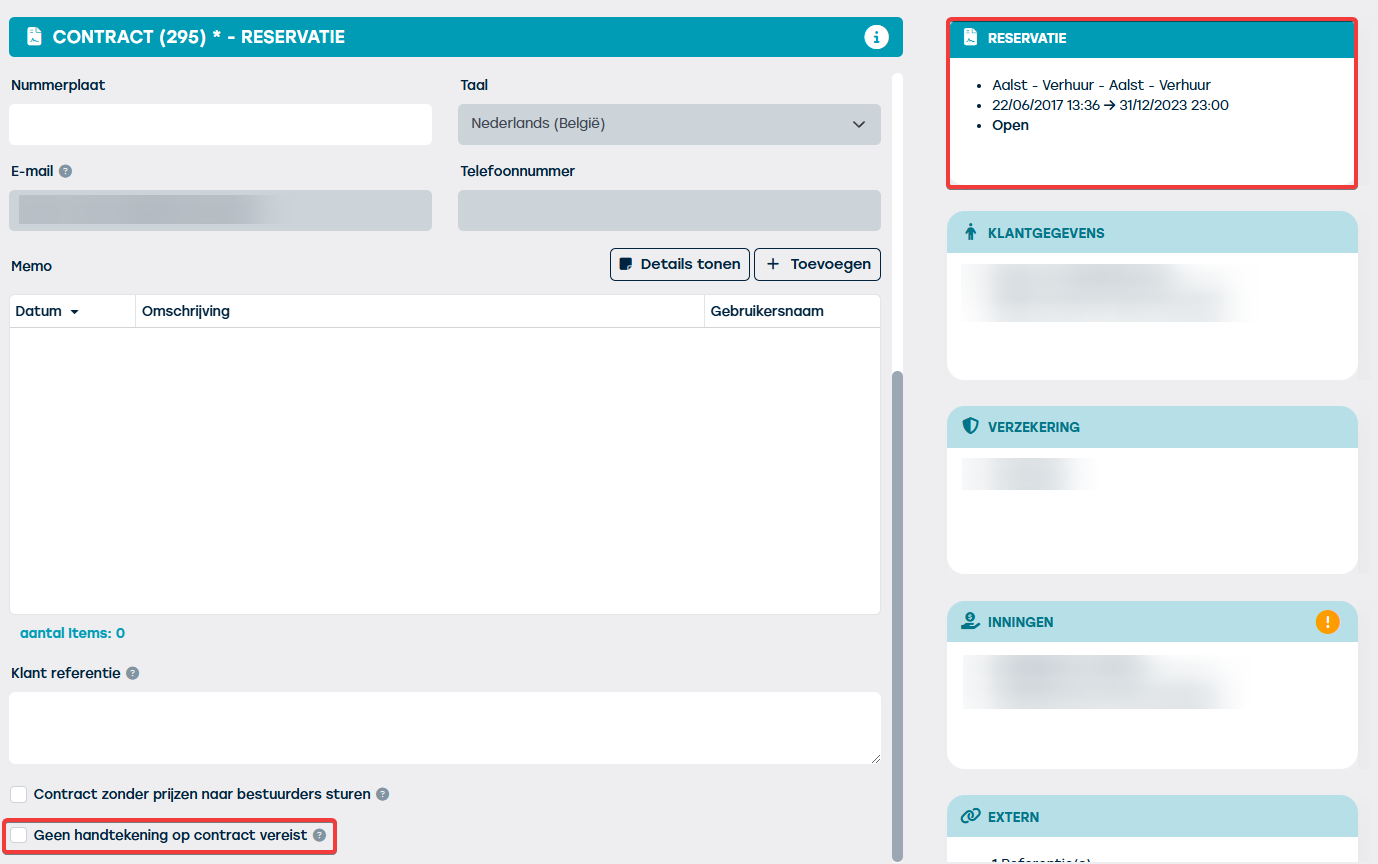
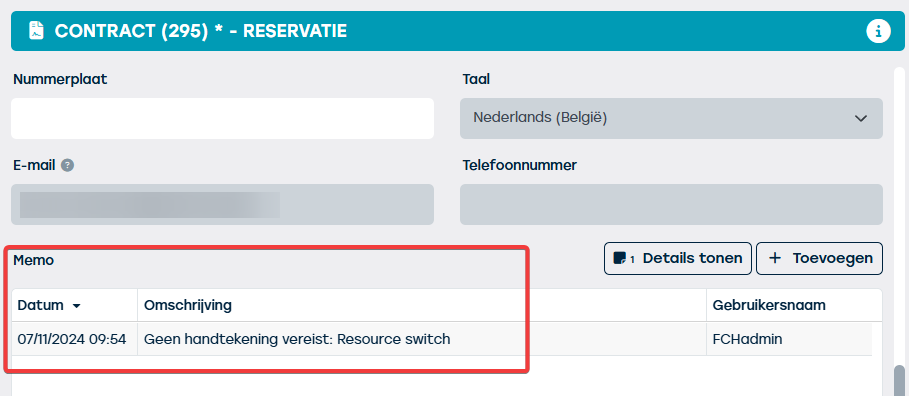
When as a user, at the very bottom of the checkbox ‘no signature required on contract’ tick, you will need to provide a reason. This reason will then be recorded as a memo.