The pit stop module offers an efficient way to monitor and manage the tidiness of your fleet. It also integrates seamlessly with our Supplements module.
When a vehicle is returned dirty, the pit stop module provides you with the following useful features:
- Mark the vehicle as dirty – this information is also recorded on the resource sheet.
- Receive warnings on both the home screen and the planning, allowing timely intervention for future bookings with this vehicle.
- A convenient carwash list on the tablet that clearly shows which vehicles urgently need cleaning.
How does it work?
During the check-in procedure on the tablet, you can, on the screen where you also indicate the damage condition, use the 'tidiness' button to specify the tidiness of the car.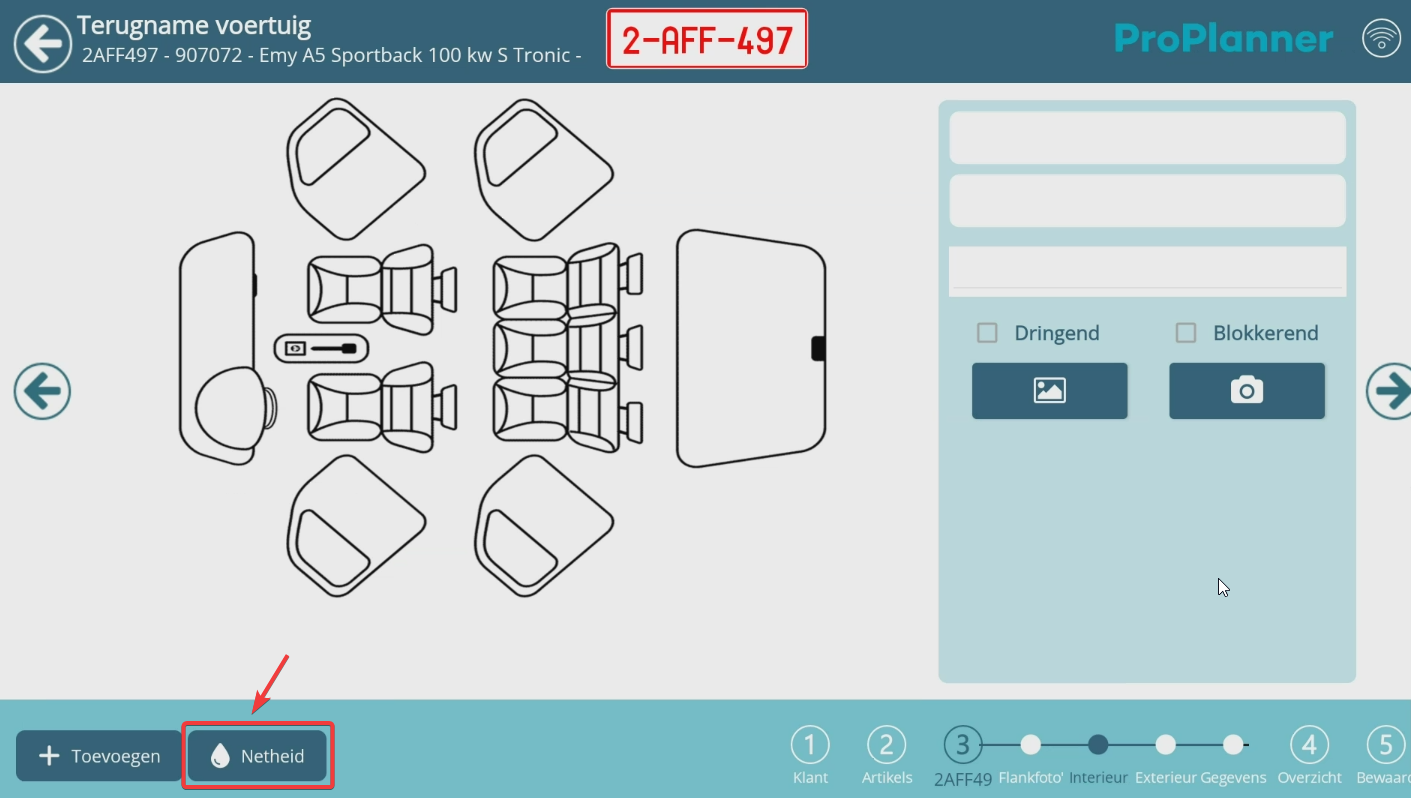
By default, ProPlanner provides the following five gradations:
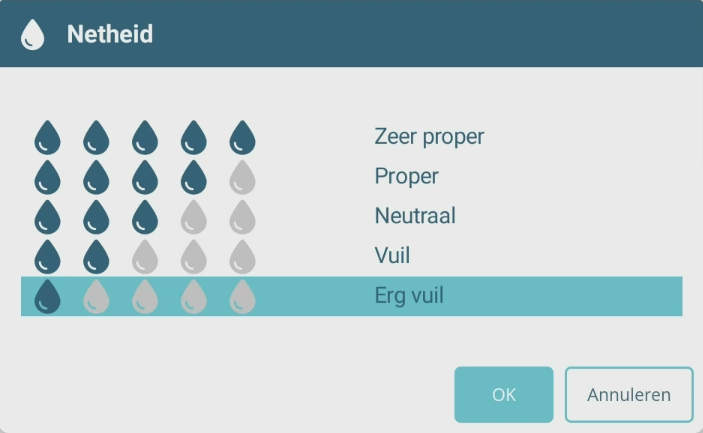
You can set a value for both the exterior and the interior (e.g., 'very dirty'). Once registered, you will also find these values on the vehicle sheet under the 'detail' tile. With each entry of a new value, the vehicle sheet will be updated:


Through the PIT STOP module in ProPlanner you can also set what the minimum tidiness value of the vehicle should be at check-out. If this standard is exceeded, ProPlanner will give you a warning. You can also manually enter these values at check-in or choose to provide a default value. E.g., every vehicle always receives the value 'dirty' at check-in, regardless of its tidiness status, both for interior and exterior. Do you want to set this up? Then please contact us so we can do this for you.
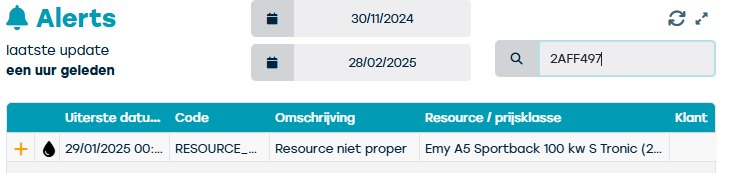
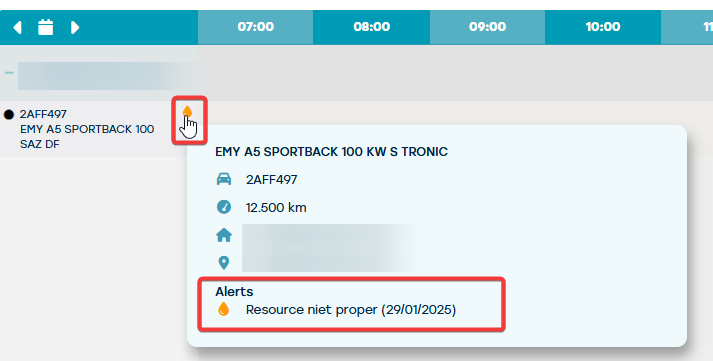
The warning that results from the entered/default tidiness status is shown as a droplet icon on the vehicle and on future bookings with this car in the planning, and is also visible on the dashboard under alerts. This warning does not have a blocking impact on the planning and serves purely as an informational alert.
On the tablet itself, you can use the 'carwash' button to view a useful list of vehicles that do not meet the minimum requirements and therefore need a cleaning. This list is sorted by the next check-out time of the vehicle and then by license plate, but there are some handy features to help you prioritize this list faster:
- The customer is always included in the list so you can more easily prioritize who to clean a vehicle for first.
- If memos have been registered, you will also see them appear in the carwash module. By default, you see memos at the vehicle level, and if a subsequent start date is entered, customer and contract memos are also displayed.
- If some resources of a specific rental type do not require carwash (e.g., maintenance), you can set at the rental type that these 'do not require carwash' and they will disappear from the list.
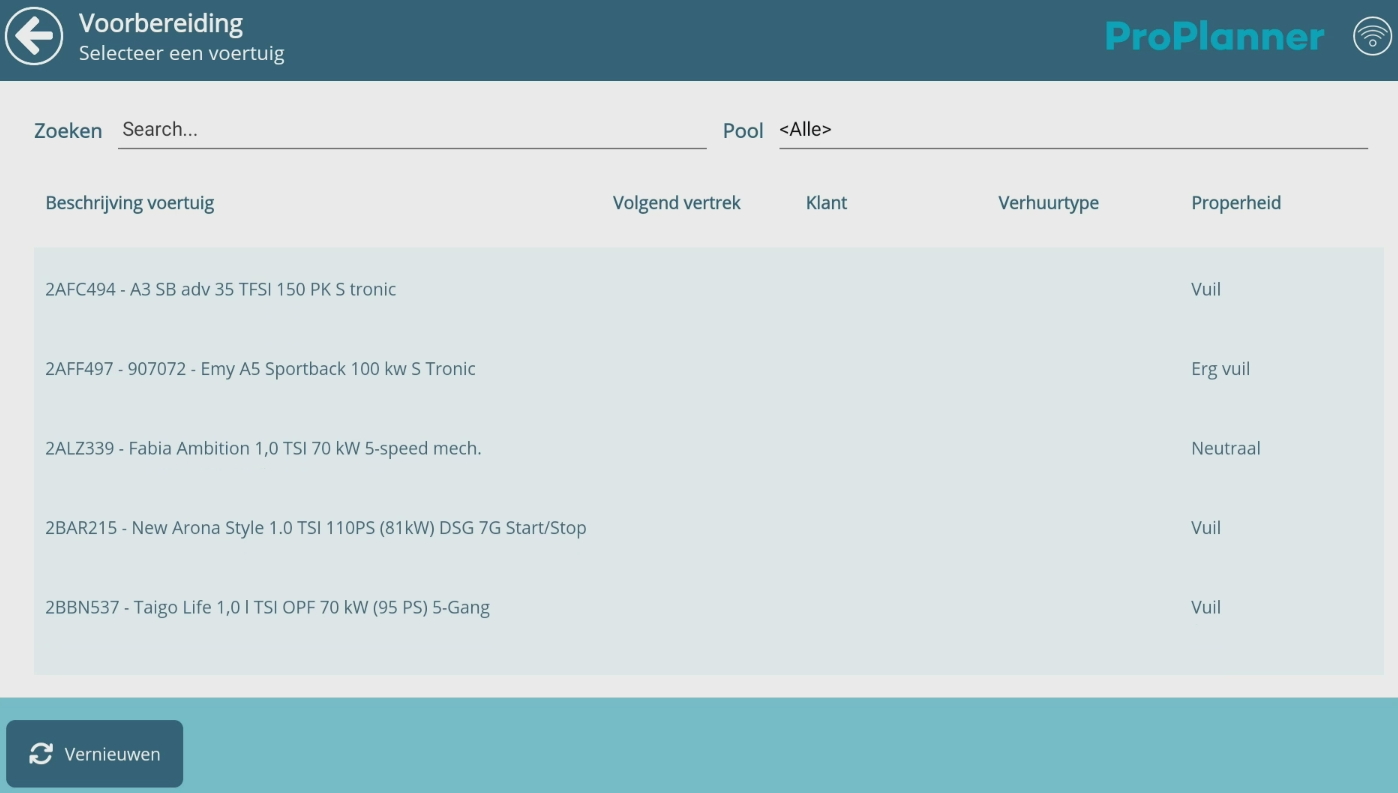
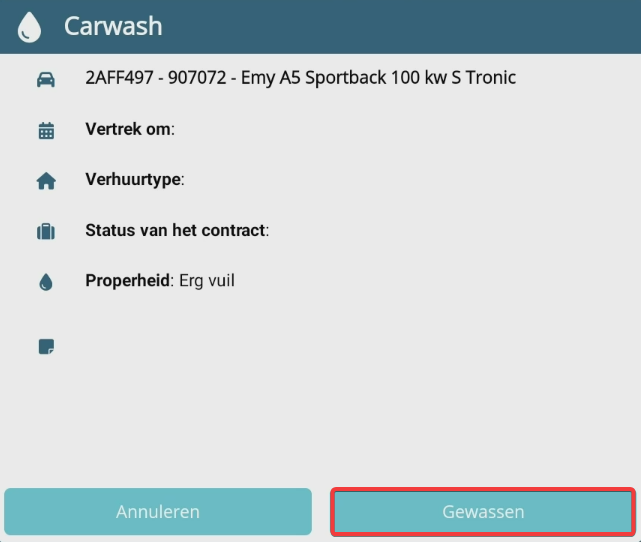
Once the car has been washed, you can select the vehicle from the list and mark it as 'washed' so it disappears from the list:
Pit stop module in combination with the Supplements module
The pit stop module becomes even more powerful with the integration of the Supplements module, a module that—as the name suggests—charges supplements. This way, a cleaning can be considered a supplement and you can charge this supplement for both interior and exterior to the customer at a price you set.
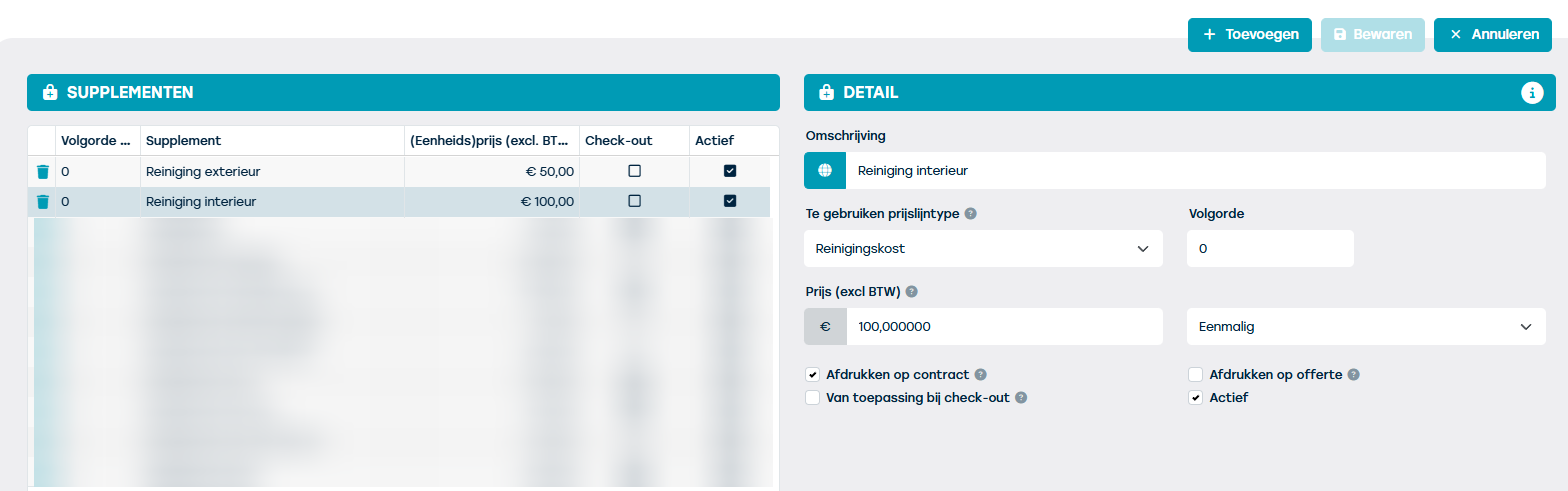
Via the PIT STOP tile, you can specify from when a cleaning supplement should be charged. This will then automatically be added to the customer's contract. You always have the option to decide whether or not to actually charge these supplements.
Looking for the optimal result and considering using both the pit stop and carwash modules? Feel free to contact us for more information.