In this video:
In the dashboard course you have learned that you can find alerts on the dashboard that indicate operational or technical issues that need to be resolved:
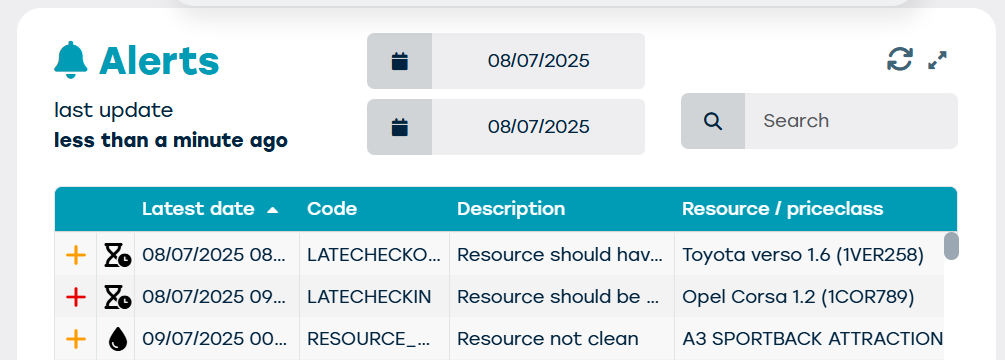
You can also find these alerts on the planning screen:
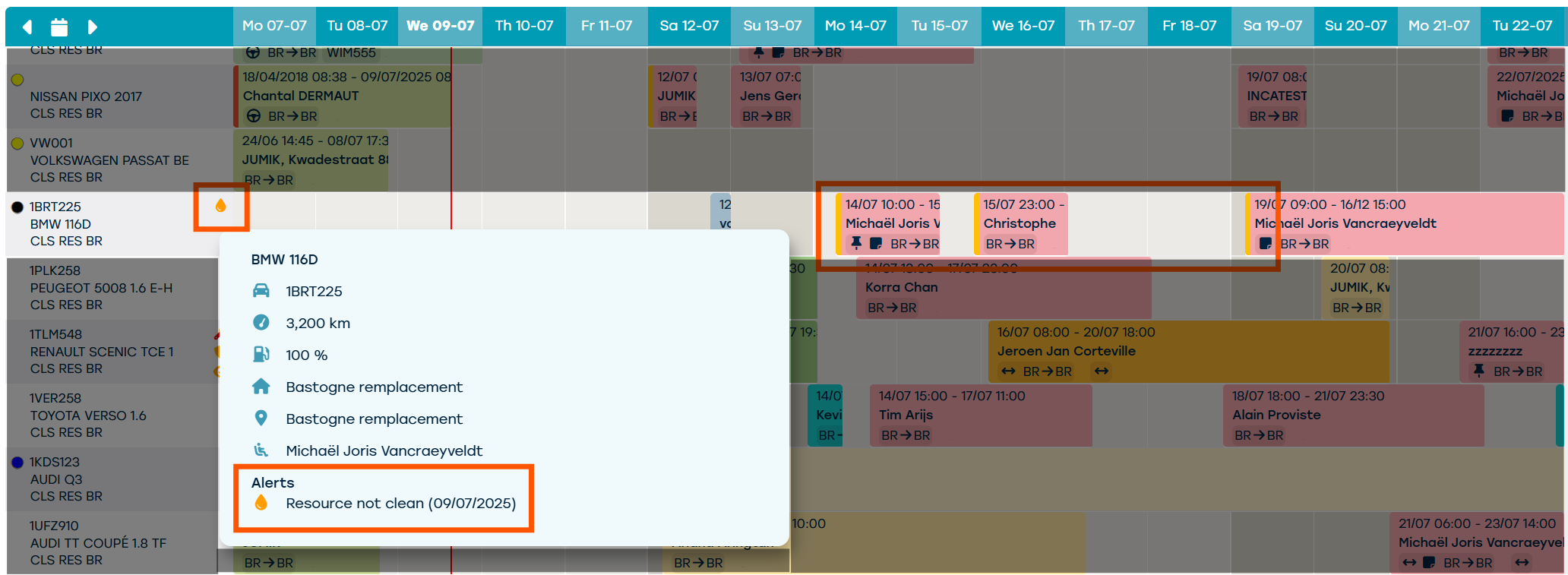
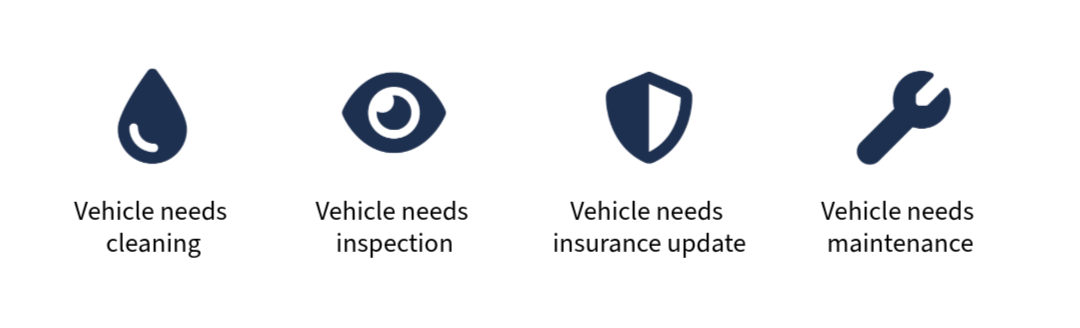
Vehicle related alerts
These are alerts related to the vehicle. These appear in the resource column.
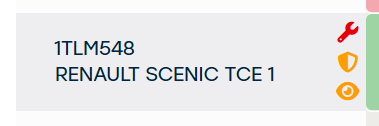
A few examples are:
Contract alerts
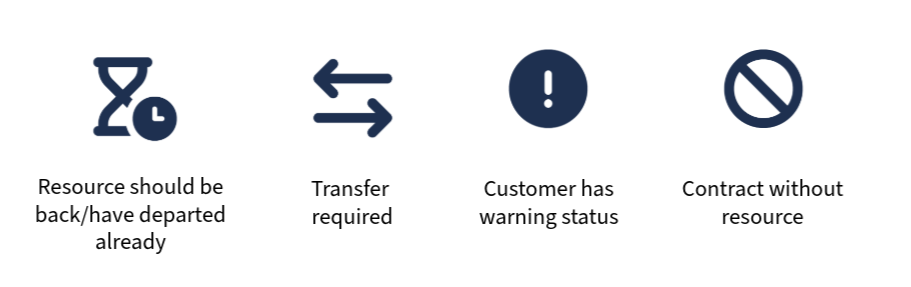
There are also alerts on the contracts that give the contract a red or orange line.

When you hover on the contract, you'll see the details.
Here are some examples of contract alerts:
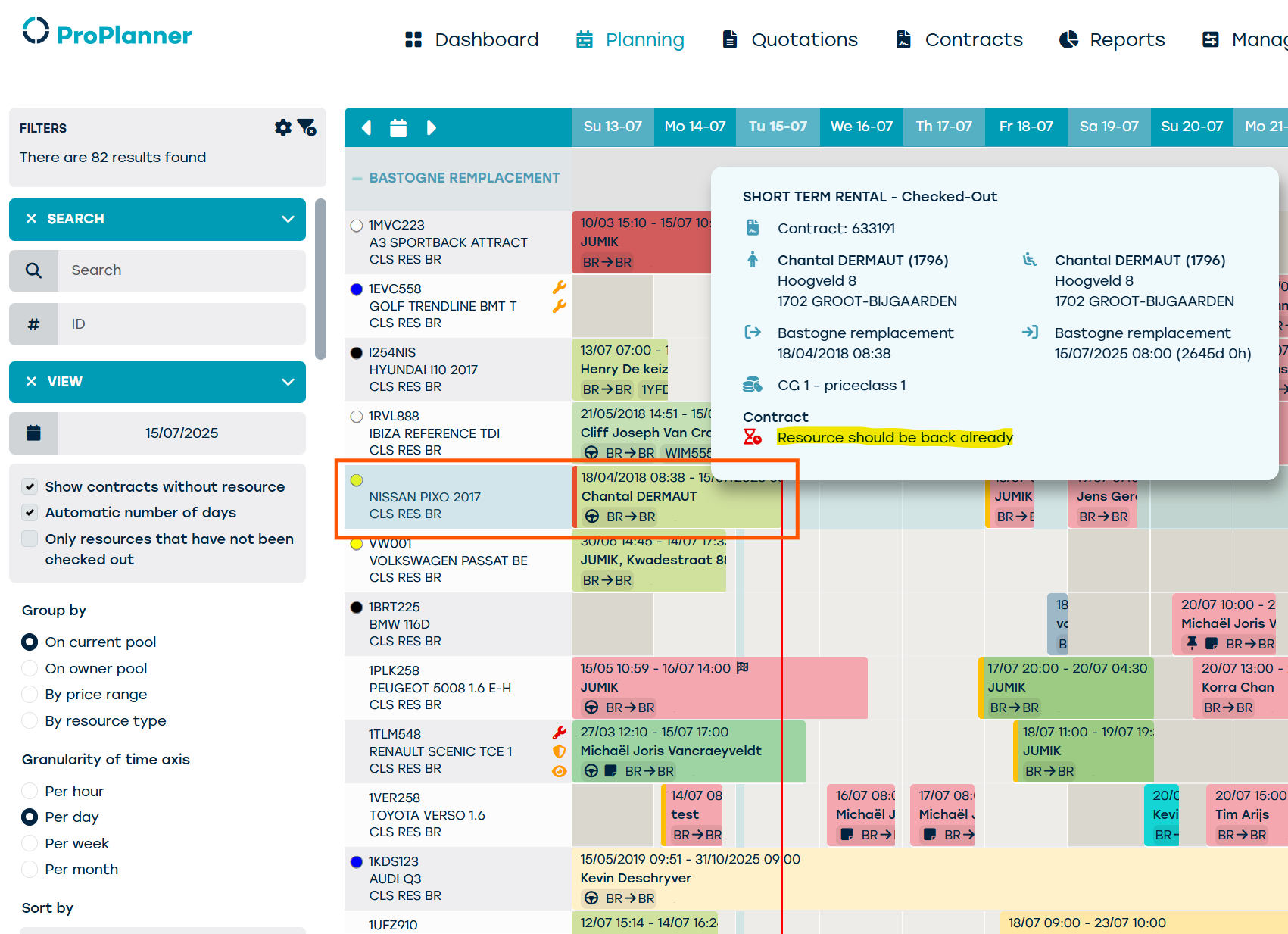
Automatic extension of the contract in case of a late check-in
When a resource is late for check-in, the contract will be extended automatically.
In the planning you'll see that the contract is marked with a red line.
Until the resource has returned to the fleet, you will keep seeing the contract in the planning.