If you have a single sign-on account, you don't need to choose a password.
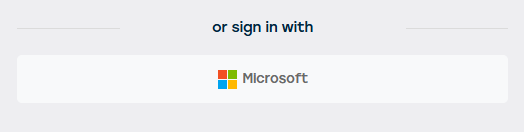
Simply click the single sign-on button.
You will then be able to select your Business Unit.
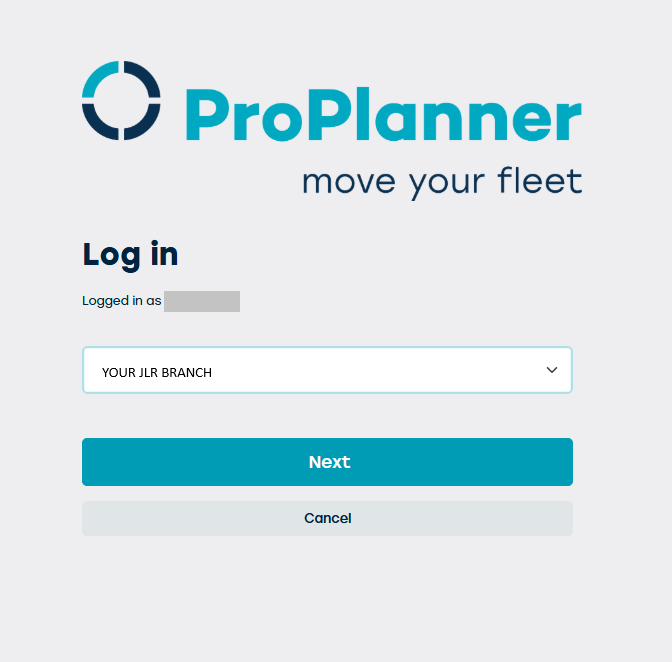
All branches you have access to will appear in the dropdown menu.
You can select any Business Unit from any location, but choosing the correct Business Unit helps automate certain location-based tasks.
This does not prevent you from viewing pools from other locations.
Then click Next and you're signed in!