1. Resource
Resource is the umbrella term for all vehicles and elements in your fleet that you can make a reservation for. This can be any kind of car, bike, truck, machine, accessory, charging station... anything you have to offer. You can specify different resource types to keep an overview.
2. Resource type
By categorizing your resources into resource types, you can easily distinguish between different kinds of vehicles and accessories.
Examples of resource types include: Small car, Family car, Minivan, SUV, Premium car, Van, Trailer, Bicycle, Scooter, Roof rails, Winter tires, Snow chain kit, and more.
3. Rental type
You can also assign different rental types to your resources, allowing you to make them available for specific use cases. For example, certain cars can be designated for demo rides or short-term rentals, while others can be reserved for internal use or as courtesy vehicles.
You can assign multiple rental types to a single resource, giving you full flexibility in how it's used.
Each rental type is automatically linked to a specific pricing category and insurance coverage, ensuring consistent and accurate handling of costs and protection.
4. Tile
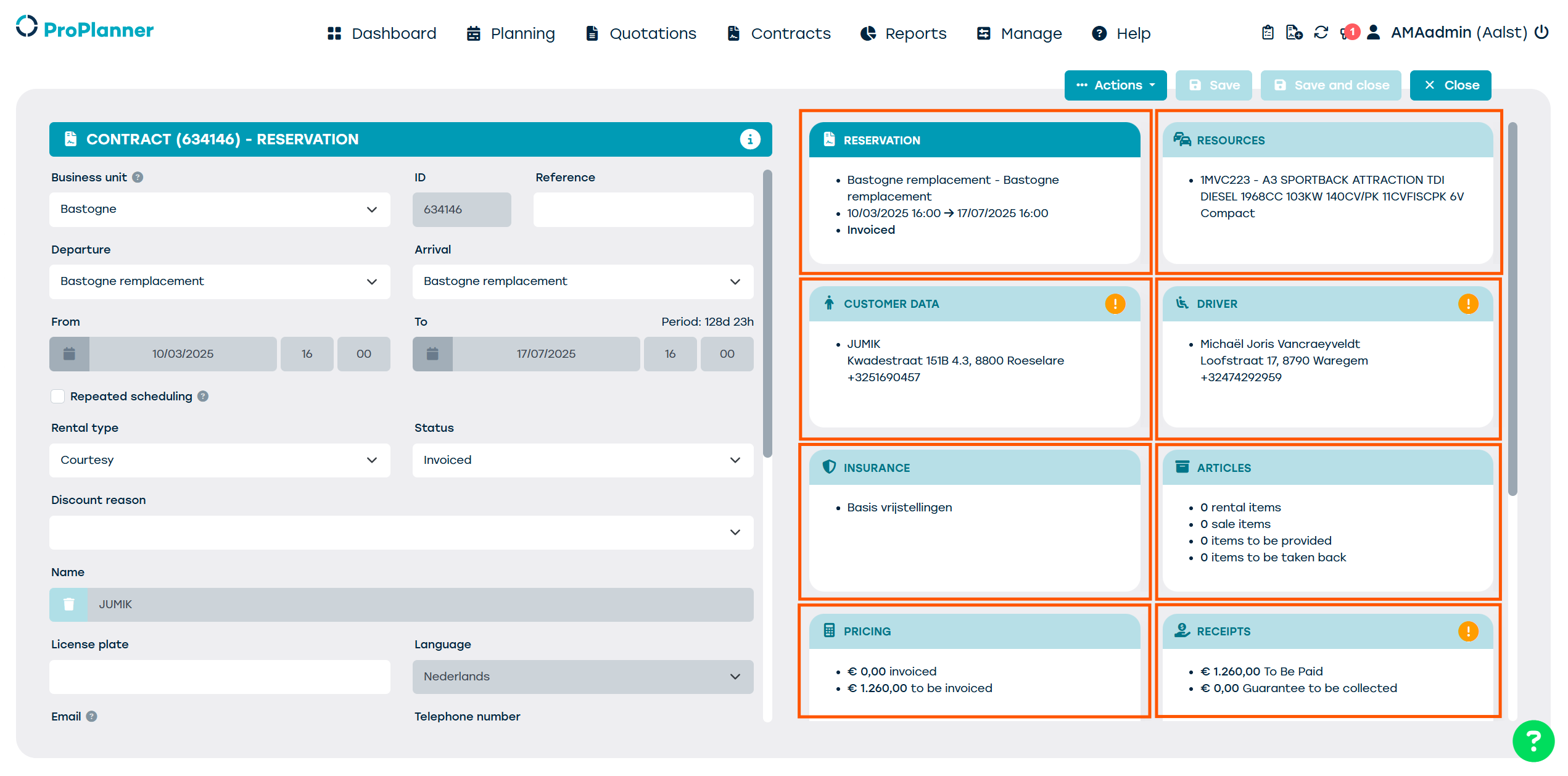
A tile is a box that contains important information. When you click on a tile, the detailed info shows up.
5. Check-out
A check-out happens when a resource leaves the fleet.
6. Check-in
A check-in happens when a resource enters the fleet.
7. Pool
Pools are groups or resources that you can use to manage different types of resources in a single rooftop location. Eg. Accessories, Staff cars, Demo cars, Rental cars, Leasing cars, etc.
8. Cluster
A collection of pools that may go beyond the boundaries of an enterprise.