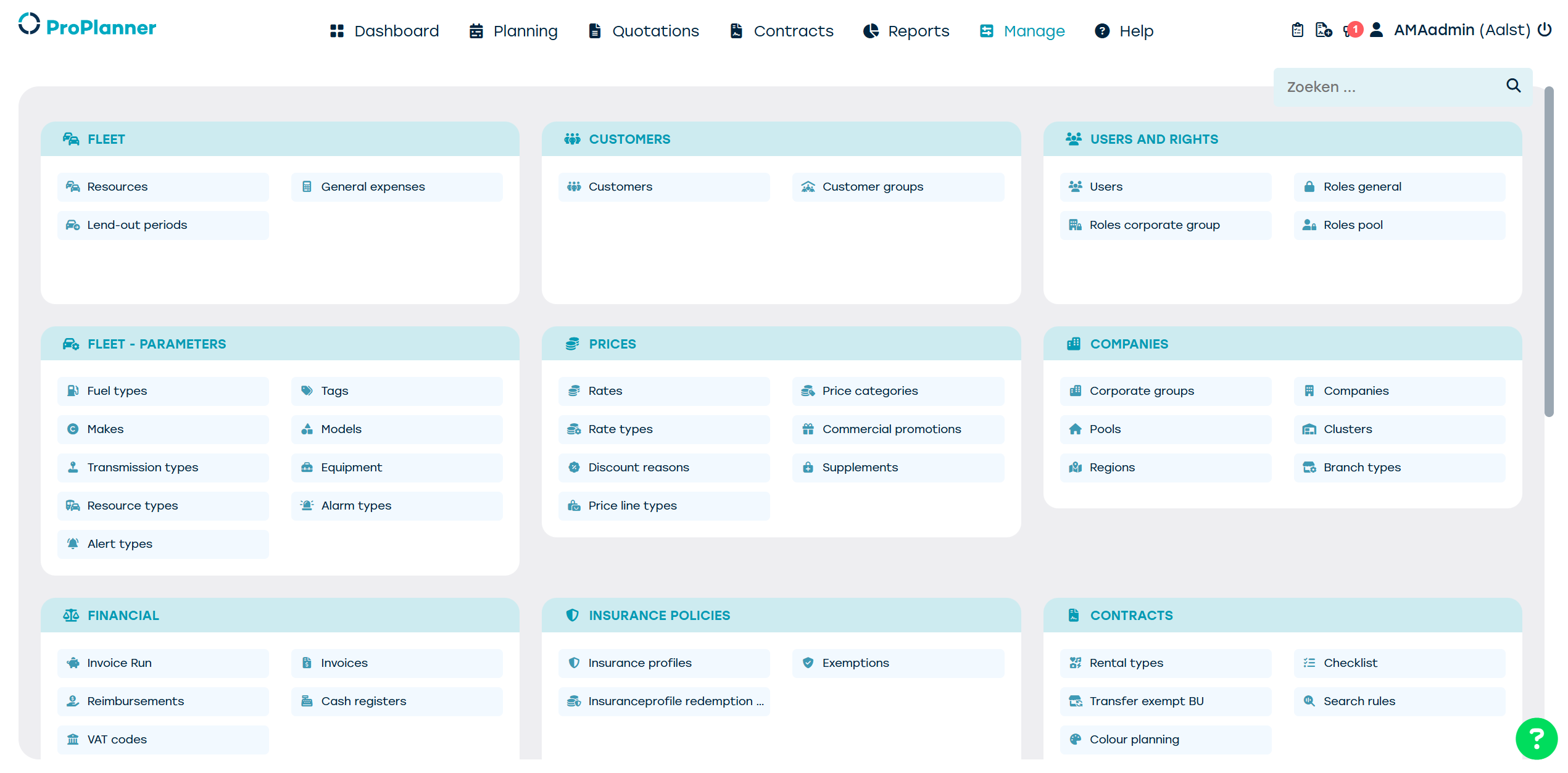
On top of the ProPlanner screen, you will see all different tabs you have access to.
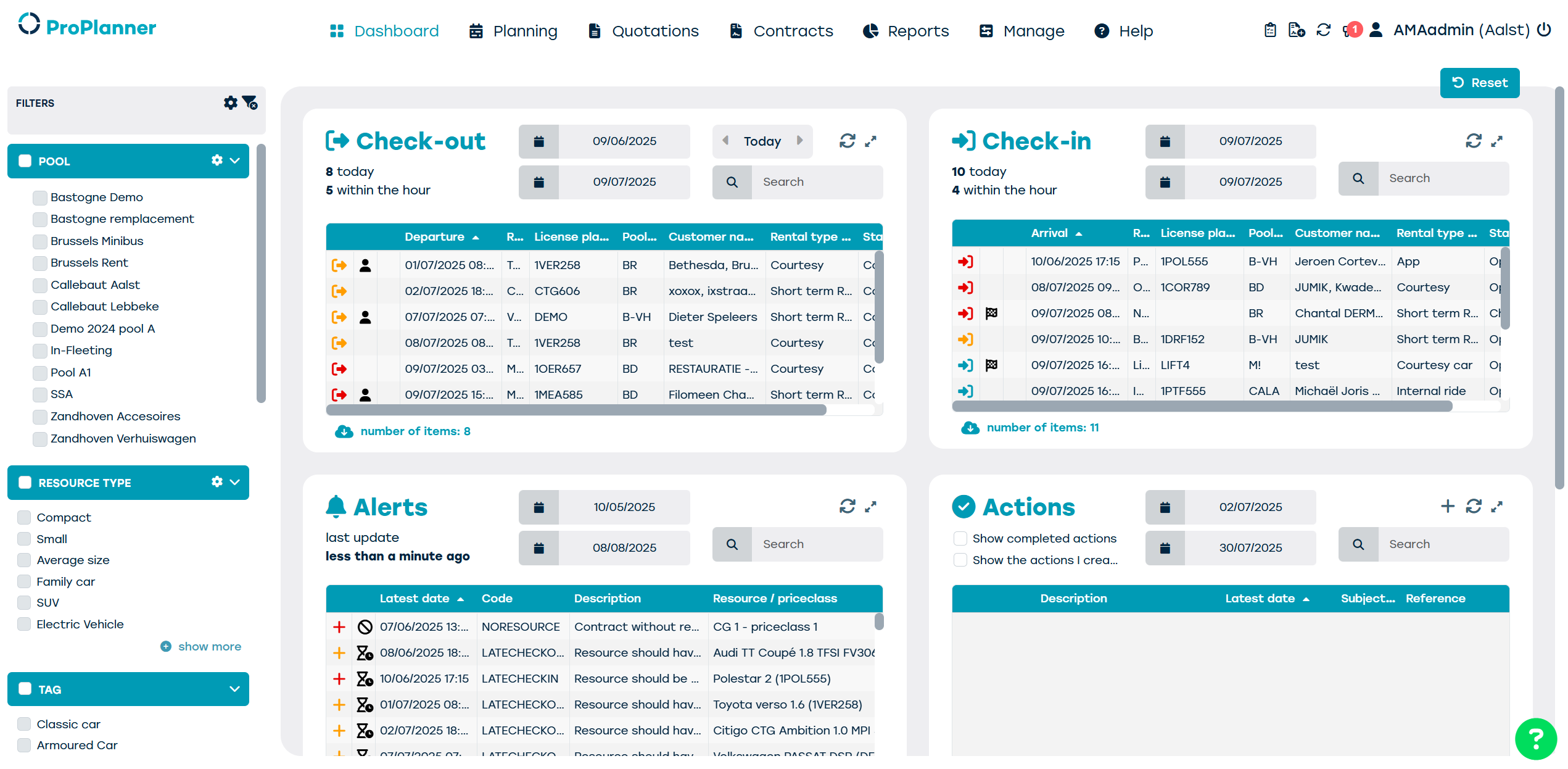
1. Dashboard
Important daily information on departing and returning vehicles, alerts, availabilities, etc.
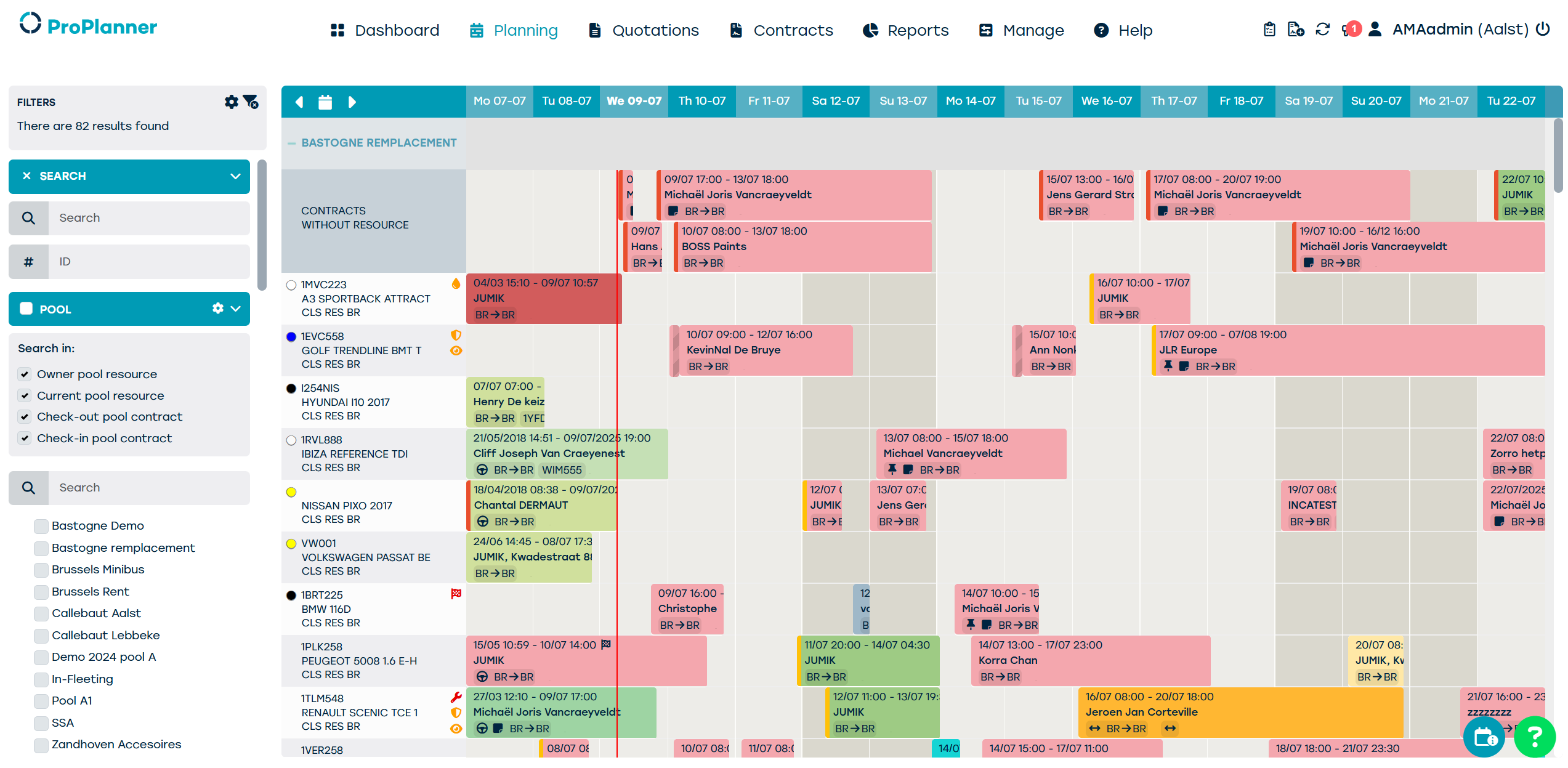
2. Planning
Visual drag-and-drop planning with all contracts per resource.
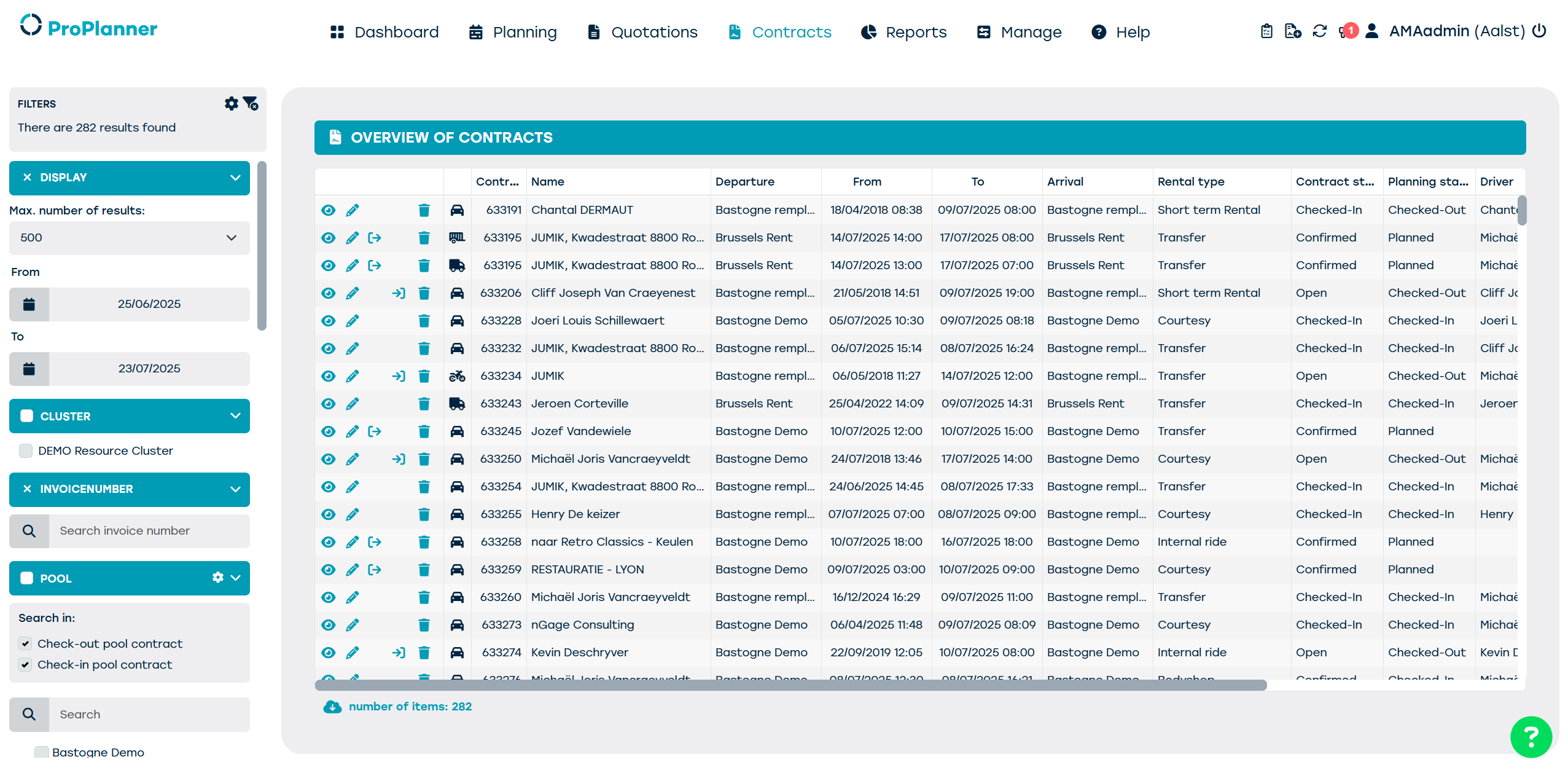
3. Quotations & 4. Contracts
These tabs give you an overview of all quotations and contracts that have ever been created.
This is your digital archive.
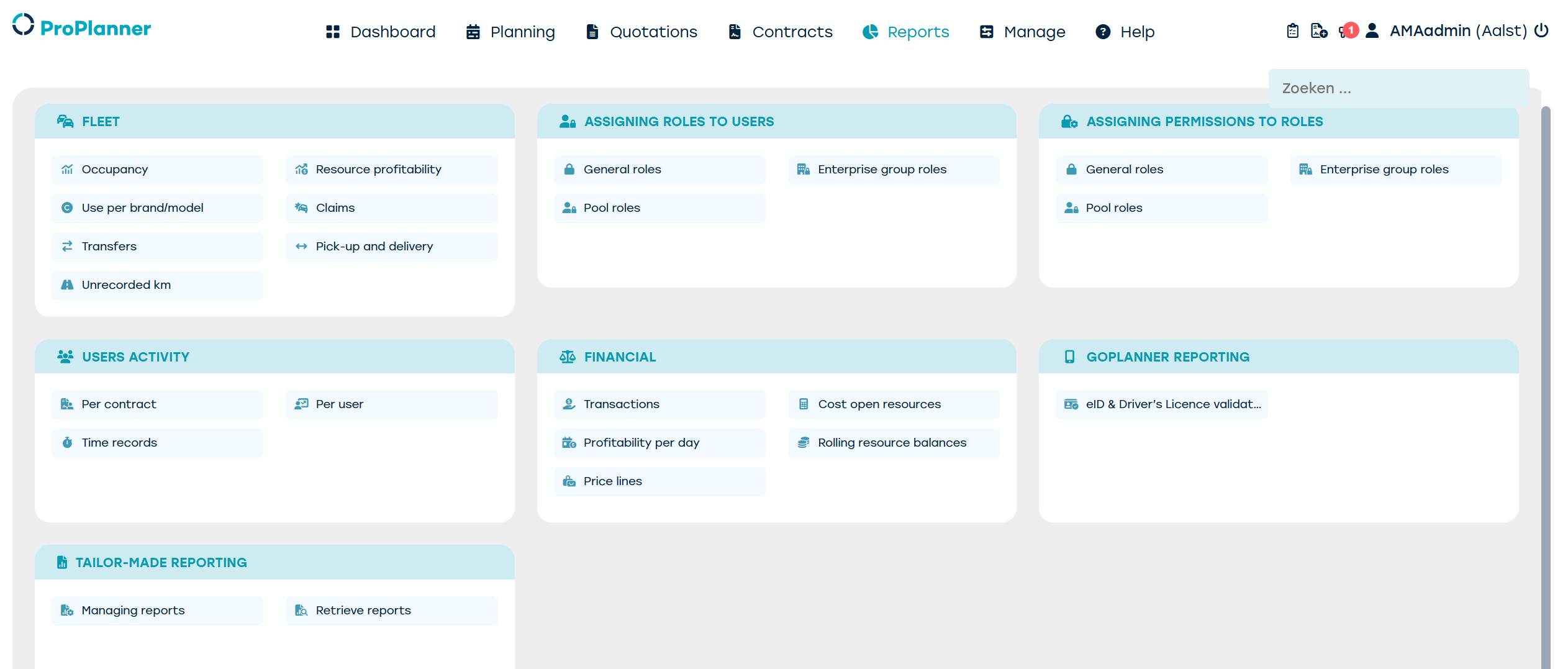
5. Reports
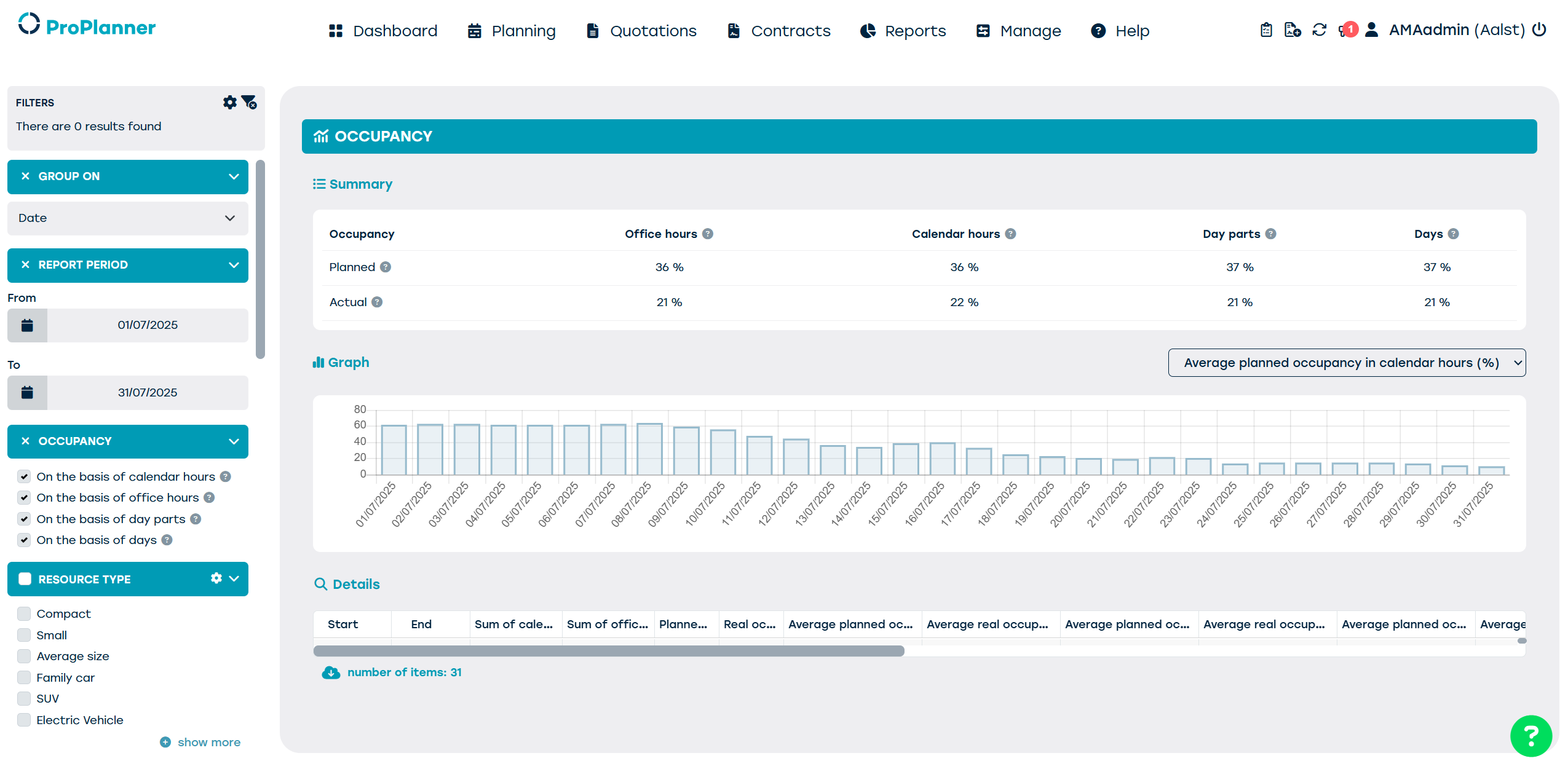
Here you select which reports you'd like to consult, like fleet occupancy, claims, resource profitability, etc.
6. Manage
In this tab you can manage anything from resources, pools and clusters to pricing and insurances, limited to the rights that have been assigned to your account.