In this video:
A customer may drop off a vehicle outside of business hours. In this case, they will not be present for the check-in procedure and you will not be able to collect their signature.
When you reach the summary of the check-in process, scroll down to the signature box. You will then see some tick boxes at the bottom of the screen. Ticking 'Not present' will allow you to save the check-in without the customer's signature.
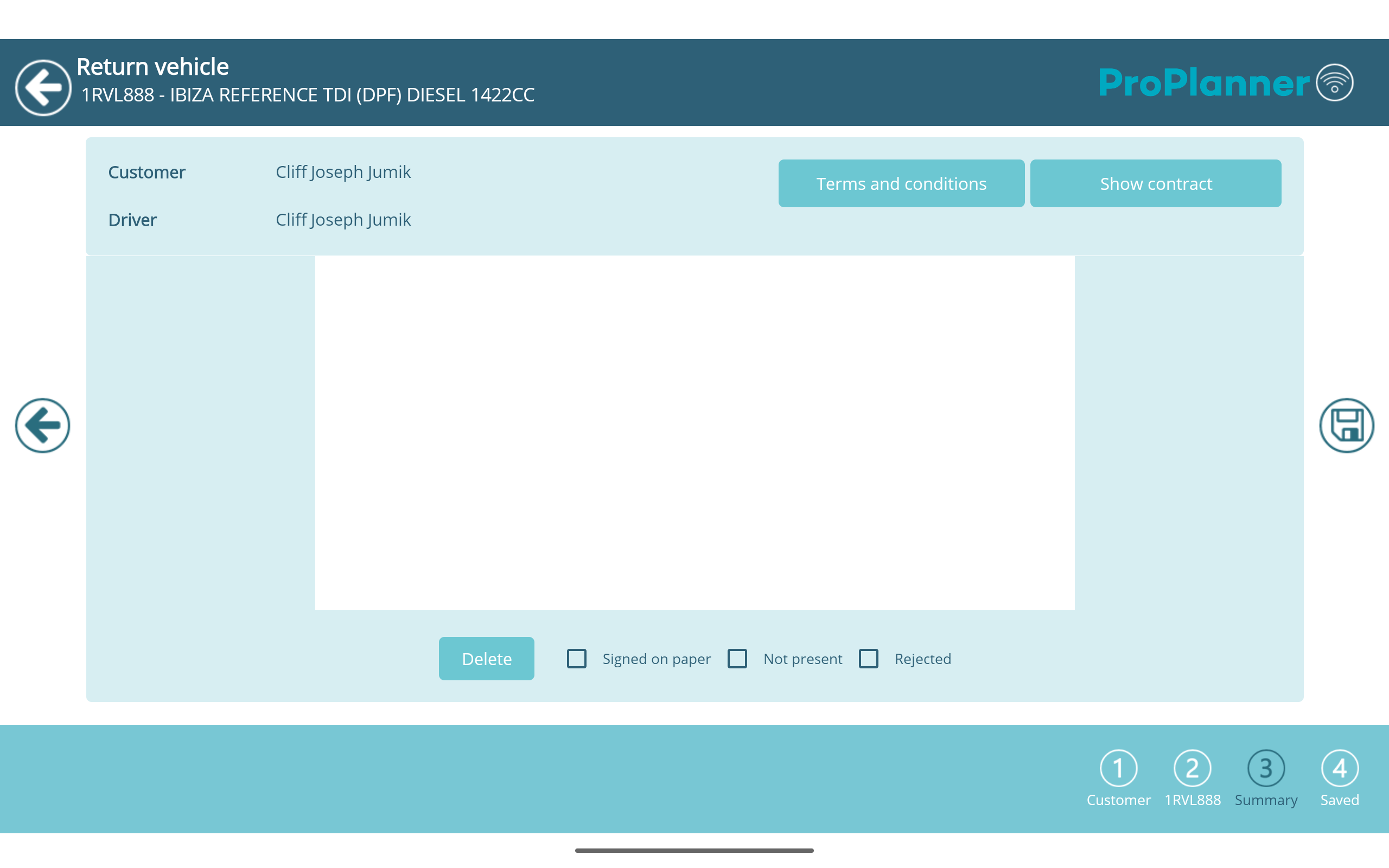
This will allow you to finalize the contract correctly and ensure that the customer receives the desired email communication.