In this video:
To remove a contract from the planning you can:
- Delete it
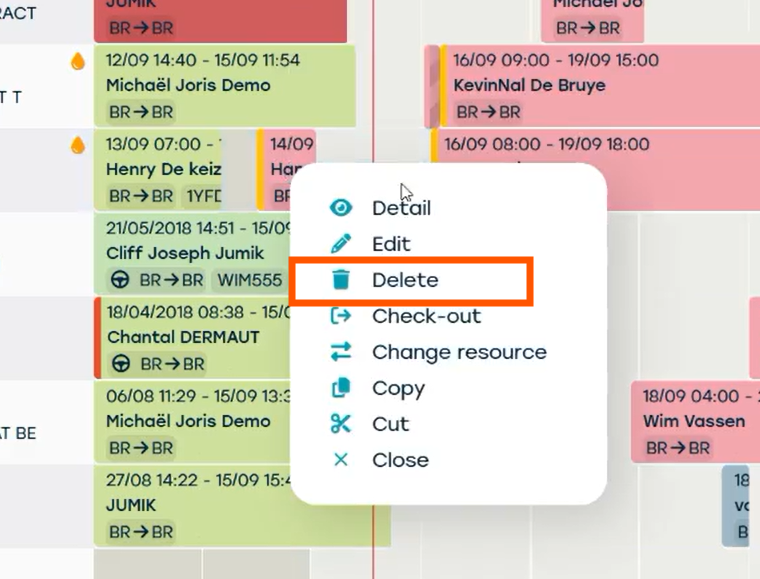
- From the 'planning' screen: right-click on the contract and choose 'delete'
- From the 'planning' screen: right-click on the contract and choose 'delete'
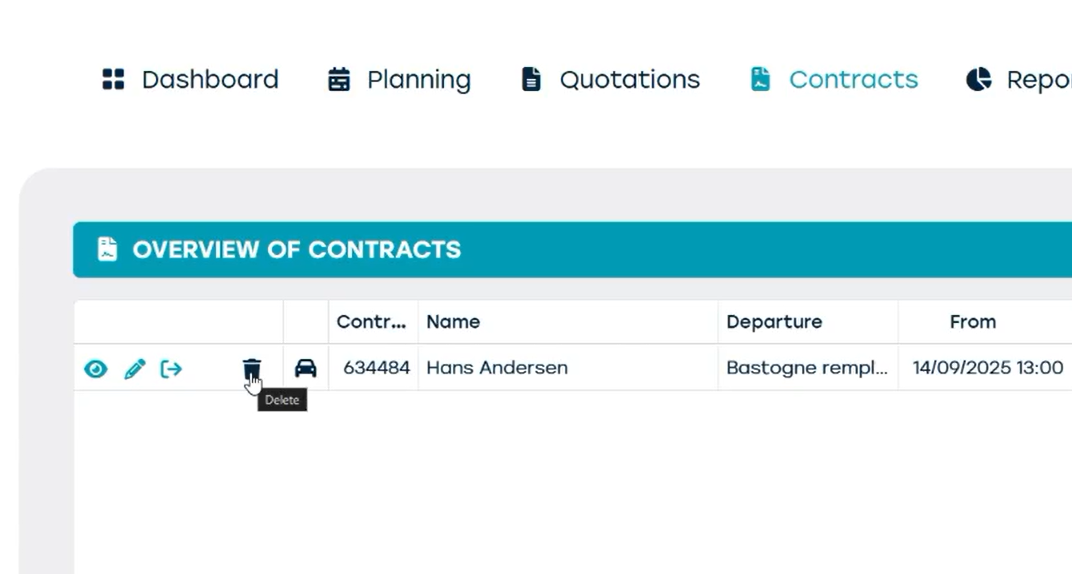
- From the 'contracts' screen: click on the trash bin icon next to the contract
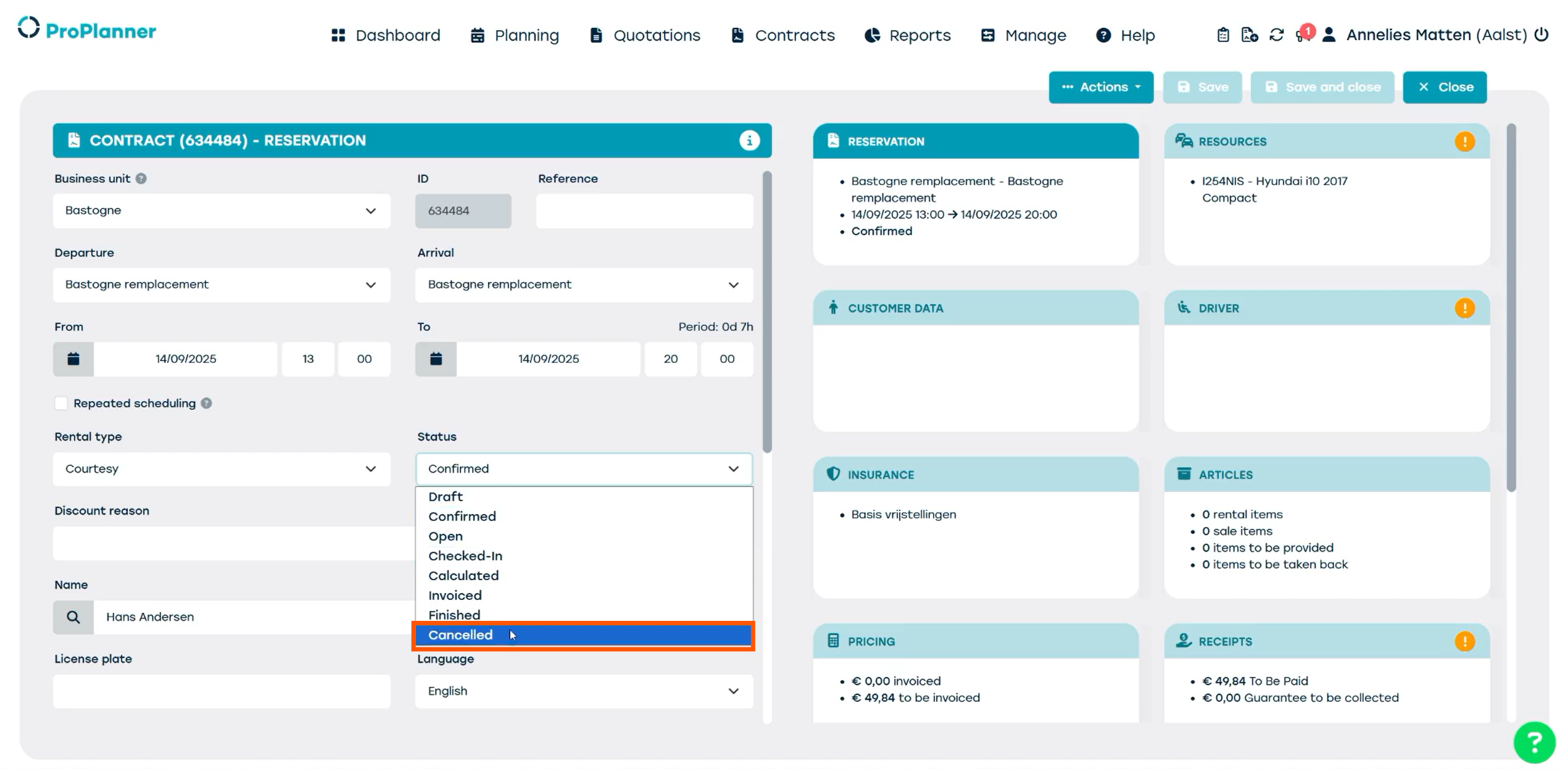
- Change the status to cancelled
- Open the contract, go to the reservation tile, look for 'status' and change the status to 'cancelled'. This way you can keep track of this contract's data.