In this video:
We will further explain invoices with an example:
In some cases, ProPlanner’s default pricing may result in unwanted extra charges for the customer.
A customer’s car needs maintenance. During the maintenance period, the customer receives a courtesy car. Since the customer is leaving early the next morning, the dealer decides to swap the vehicles the evening before.
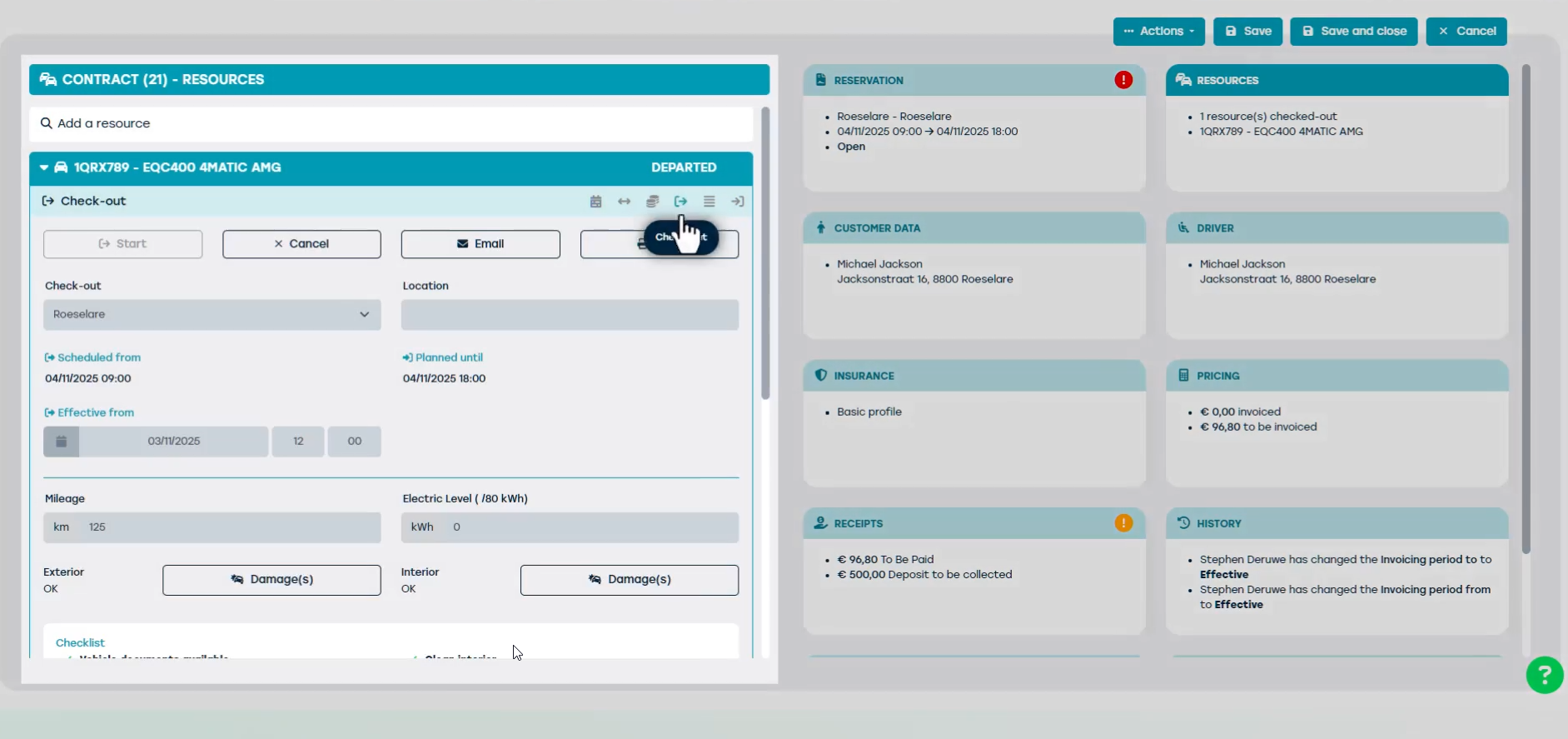
In this scenario, ProPlanner’s default pricing could charge an extra day. However, this is not always desirable, especially when the solution is service-oriented.
That’s why ProPlanner offers the option to adjust this behavior via parameters. You can find this setting in the contract under the ‘Pricing’ tile.
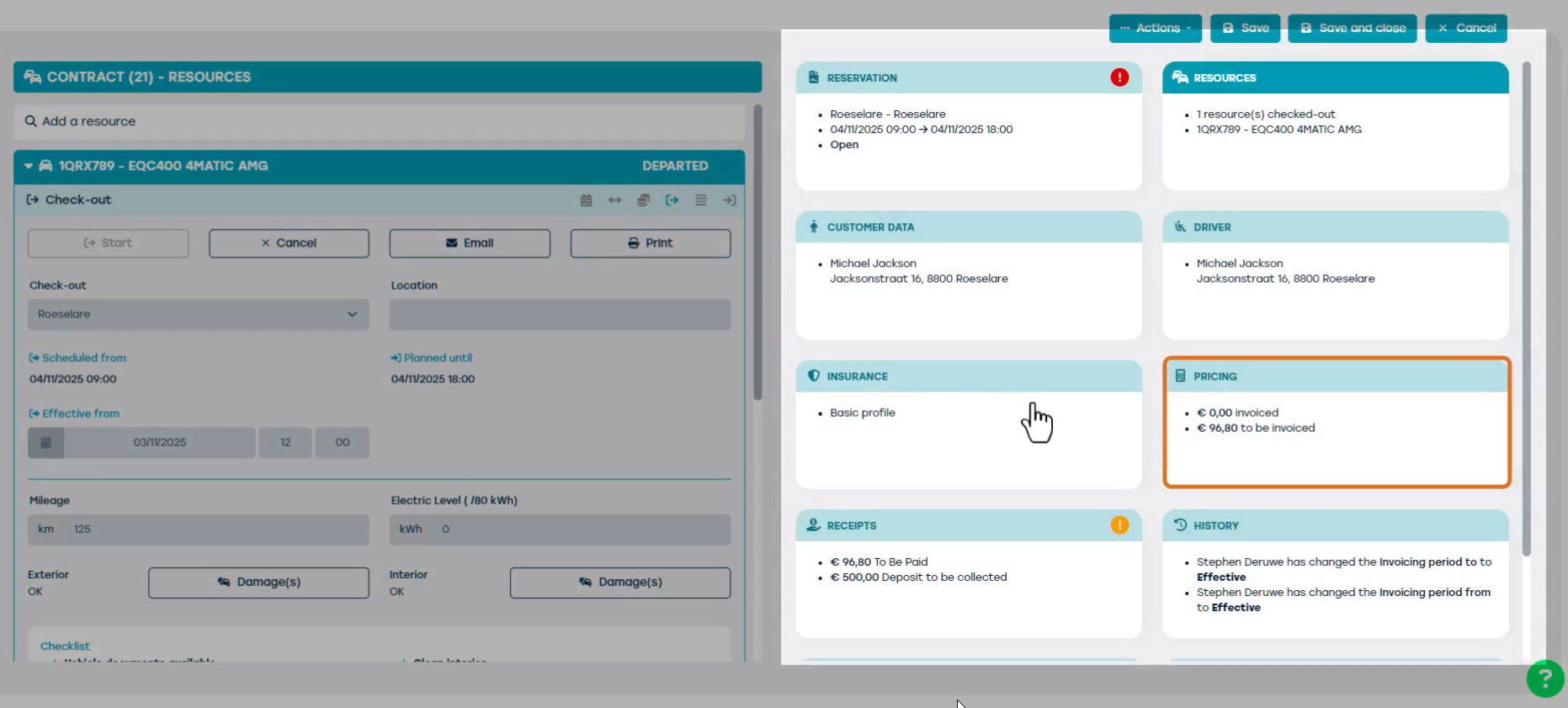
Here, you can choose whether ProPlanner should invoice based on the contract date or the effective date:
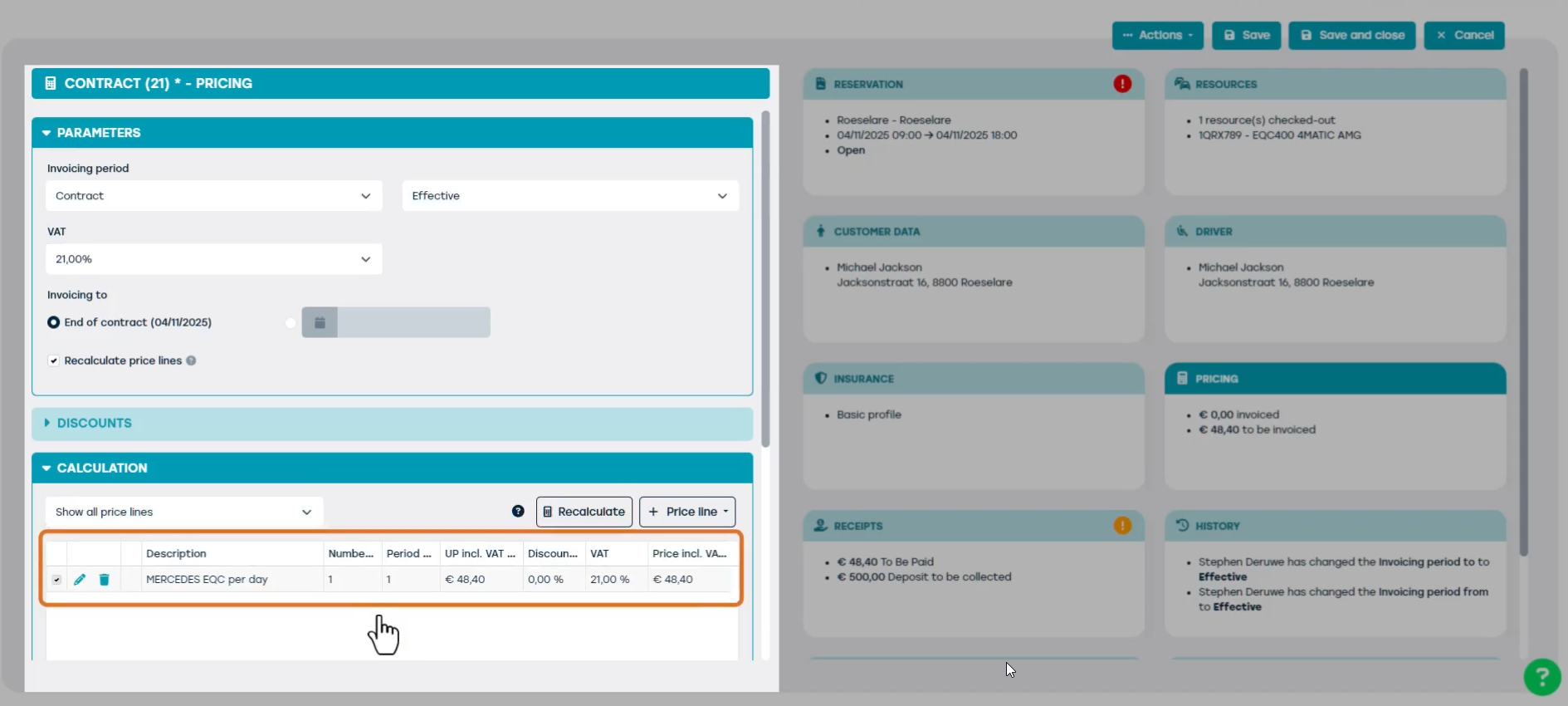
In our example, it’s best to choose the contract date. This prevents the customer from being charged for an extra day for a service offered out of courtesy.
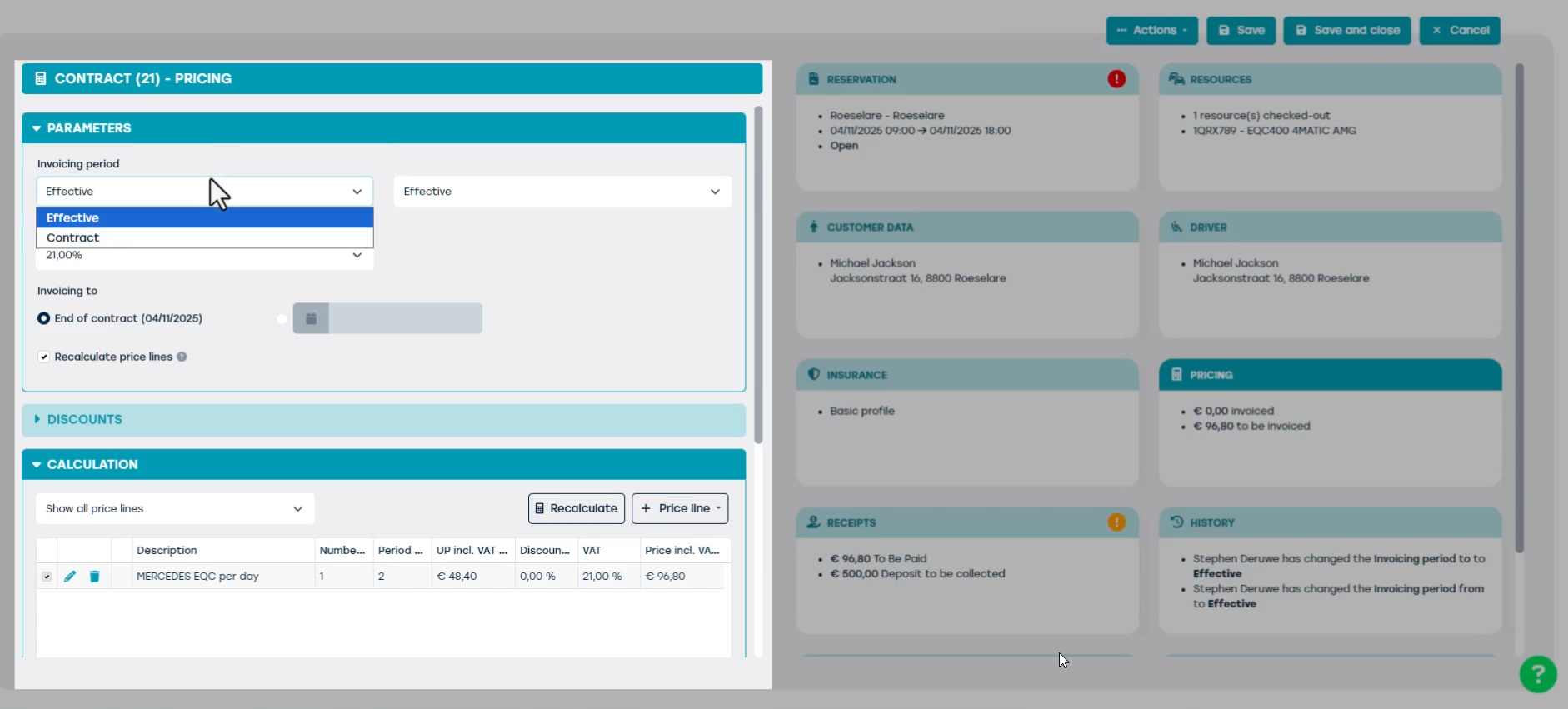
When you recalculate the price, the contract date will be taken into account, and the customer will only be charged for one day instead of two.