In ProPlanner, you can manage roles efficiently for users across multiple company groups and pools. This is done via the "Roles" tile on the user record.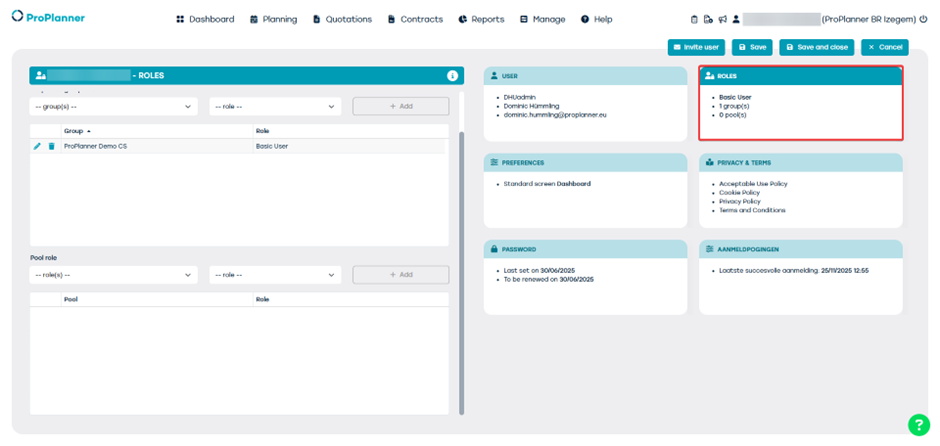
How does it work?
- Open the user record and click on the Roles tile.
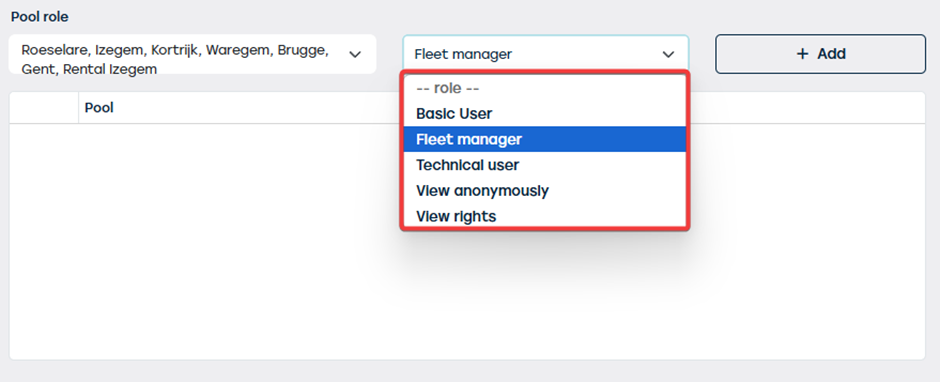
- Select the desired role from the dropdown menu.
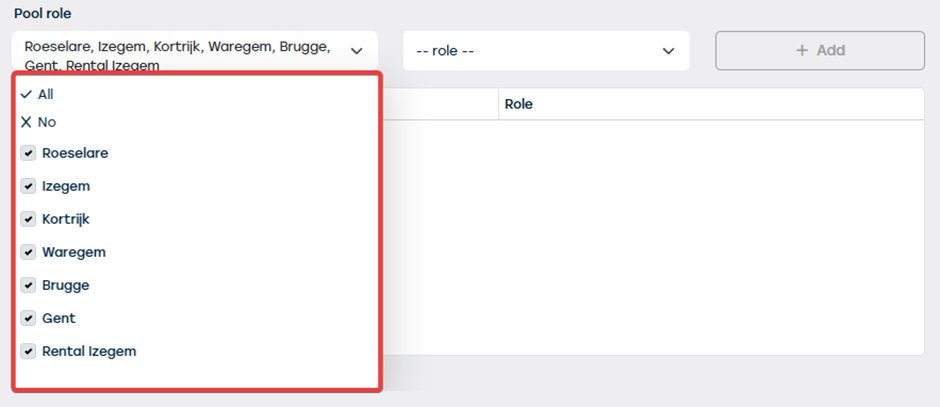
 Select one or more company groups and/or pools to which this role applies.
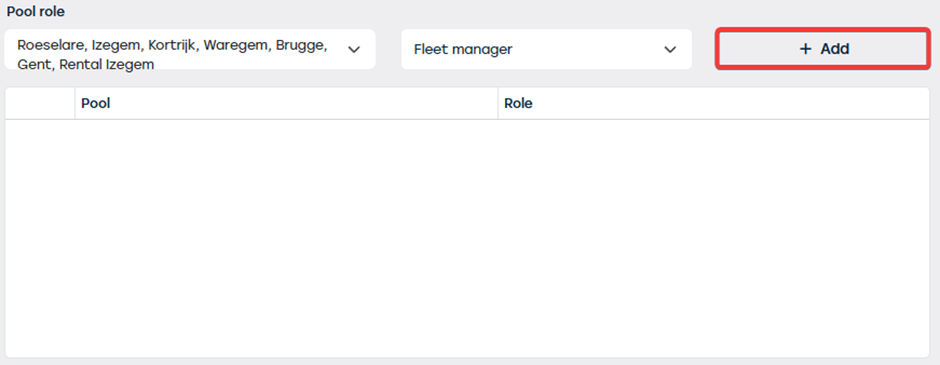
 Click on + Add.
 Confirm by saving (or save and close).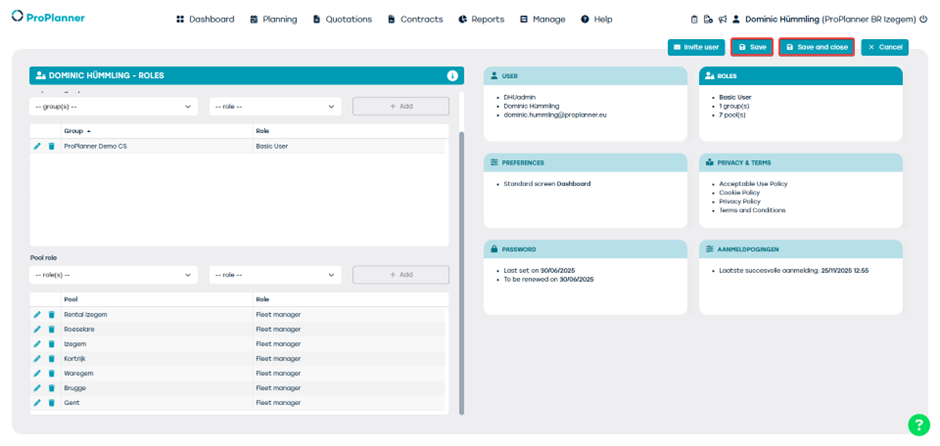
Advantages:
- Faster management: You don't need to add the role separately for each company group or pool.
- Flexibility: Multiple company groups or pools can be selected in one action.